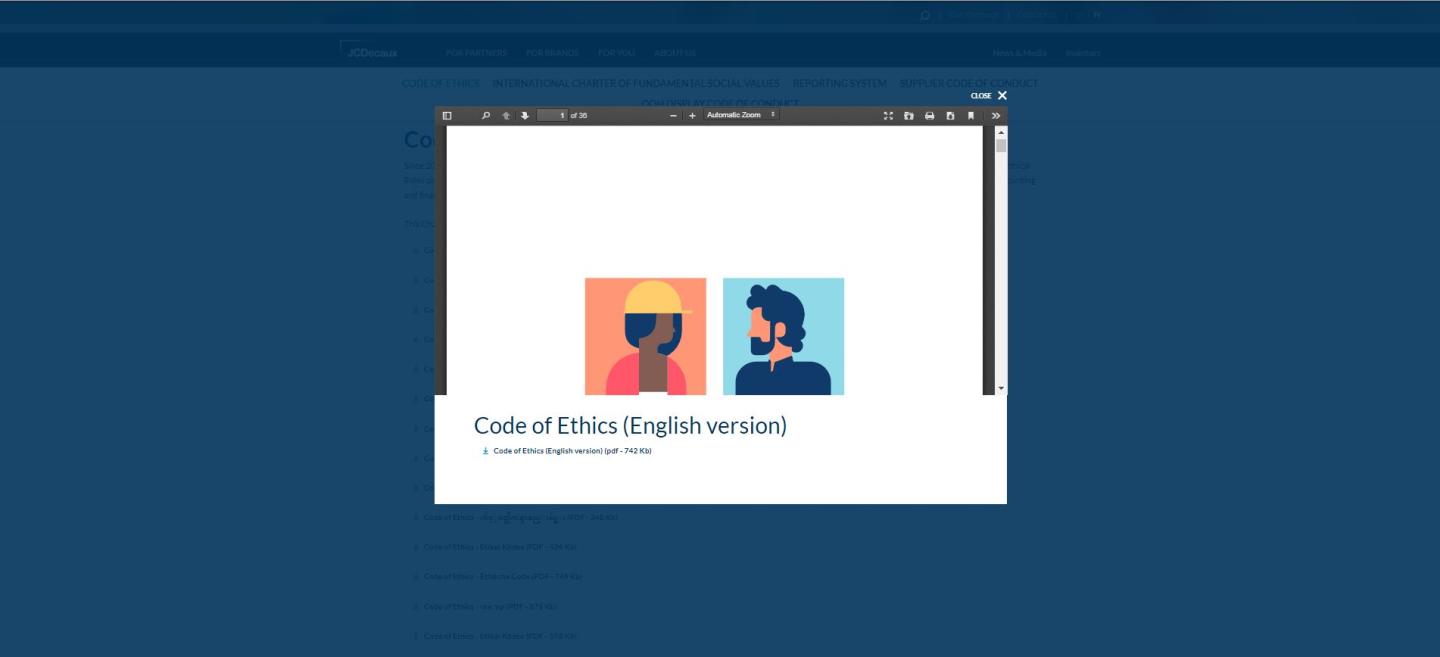
The Downloadable file preview allows users to preview a document in a pop-in before downloading it.
In that case, the download is not automatic, giving users the option to view the document before deciding to save it.
If this option is enabled, it applies site-wide, ensuring a consistent experience across all downloadable files on a page
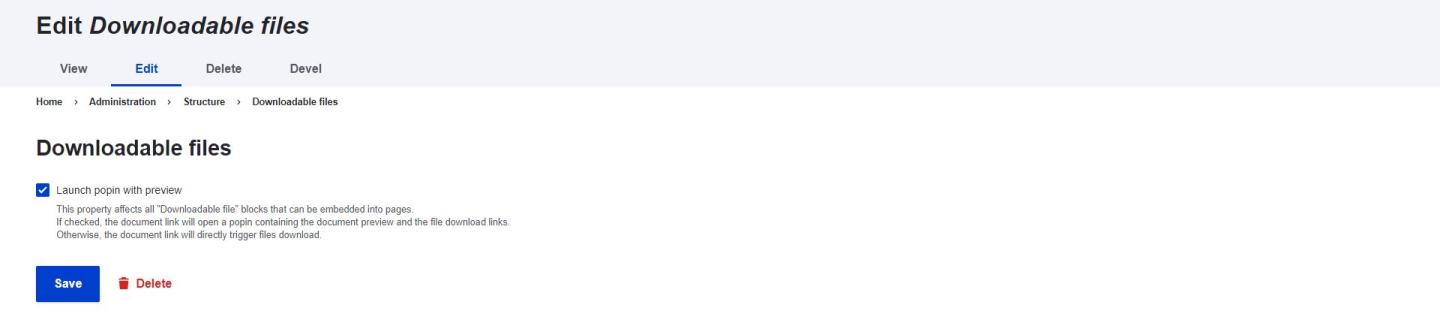
By selecting the "Lauch pop-in" option, you enable the user to preview the document before downloading.
If you want to get a preview of your downloadable file, please go to Site Content > Site Settings > Downloadable file > Tick on the checkbox
Please note that by selecting this option, it applies to the entire site.