How to create a text ?
Structure > Block Layout > Add custom block > Text
1. Add a title (only visible in the back office)
2. Add text.
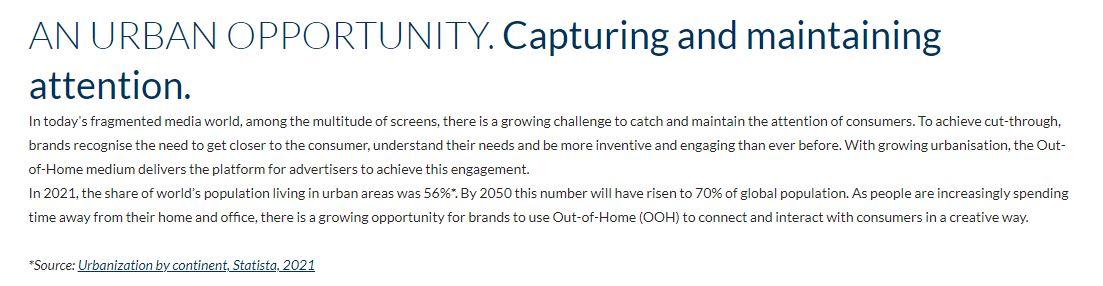
Within the Body, you can "play" with the titles and font formats, which have been determined in advance by the JCDecaux graphic charter.
Take inspiration from other sites, especially the Corp pages, to see how Typography is used.
It is also possible to add links in the text, to refer to an external site or simply a page on the site, an email address, etc.
The Table option is also configured if you need to illustrate your words.
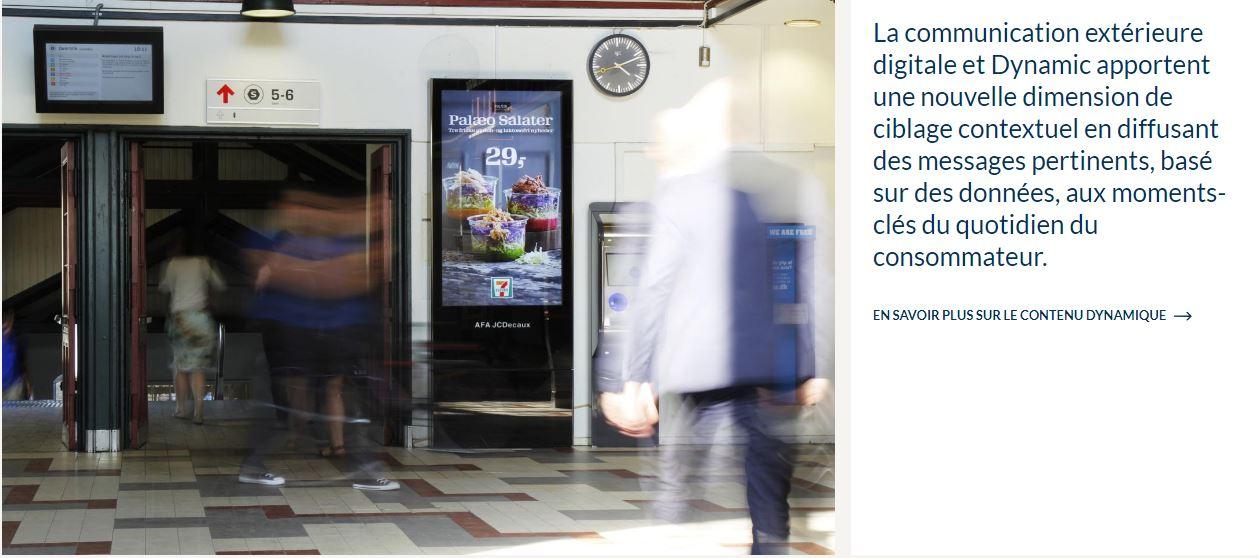
3. Text can also be linked to a showcase page.
If this is a text from an official study, you can add a source.
And also a link to this source within the Showcase. A wide choice of colors is available to illustrate this source.