How to create a Icon Block ?
Structure > Block Layout > Add custom block > Icon Block
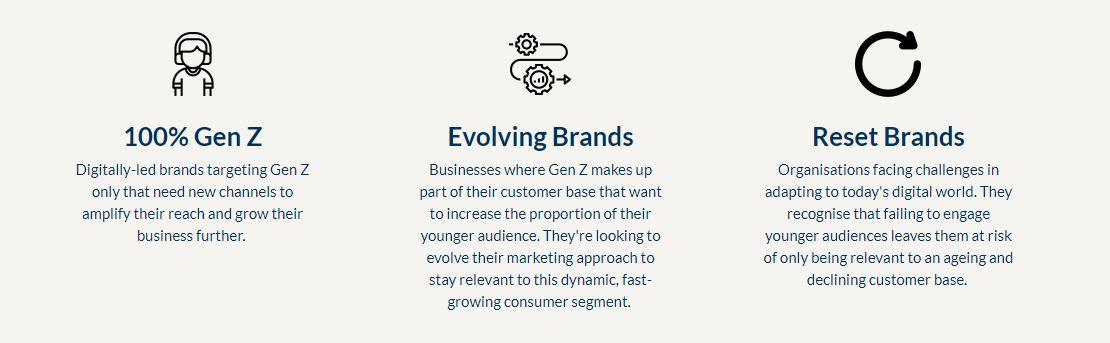
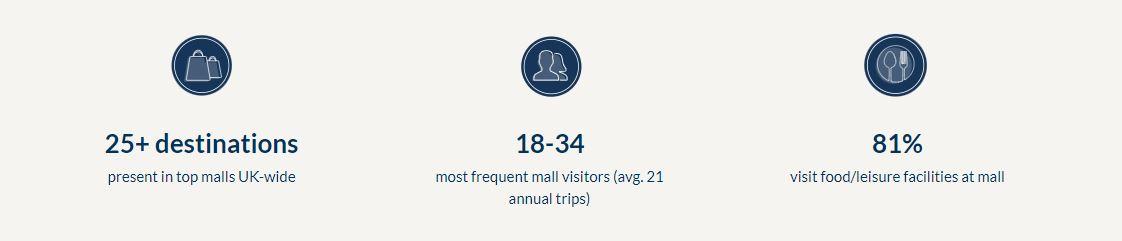
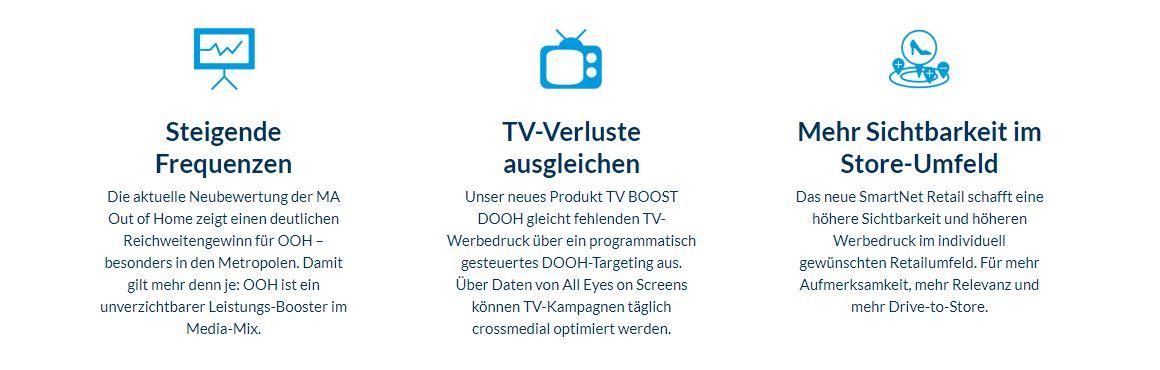
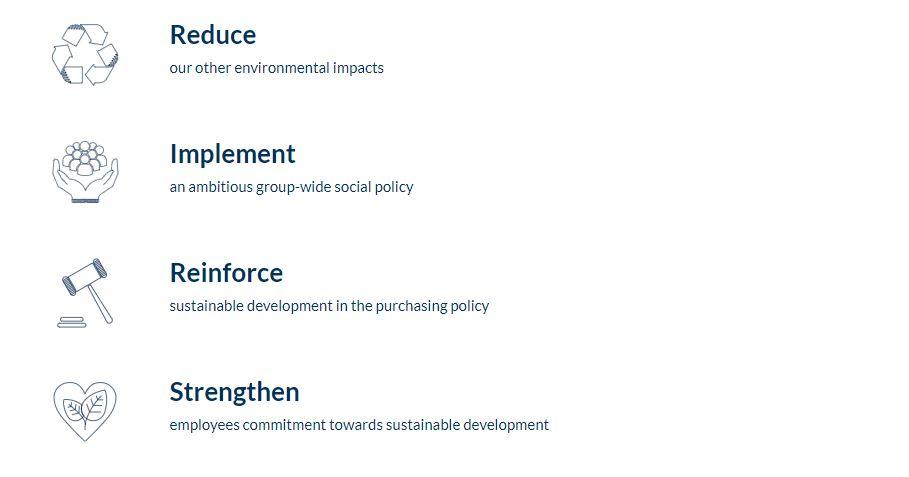
In an Icon Block, it is possible to add several Icon Items to the same full layout.
Custom block Icon Items must first be created... Or you can create them directly inside the custom block!
1. Add title (visible in back-office only)
2. Choose the view you want. The first one highlights a figure, the second one a subject.
3. Display Option: whether you want the Block Icon to be Horizontal in the Layout or Vertical.
4. Add Icon Item: as many as you like!