How to configure Picture and Video Filters?
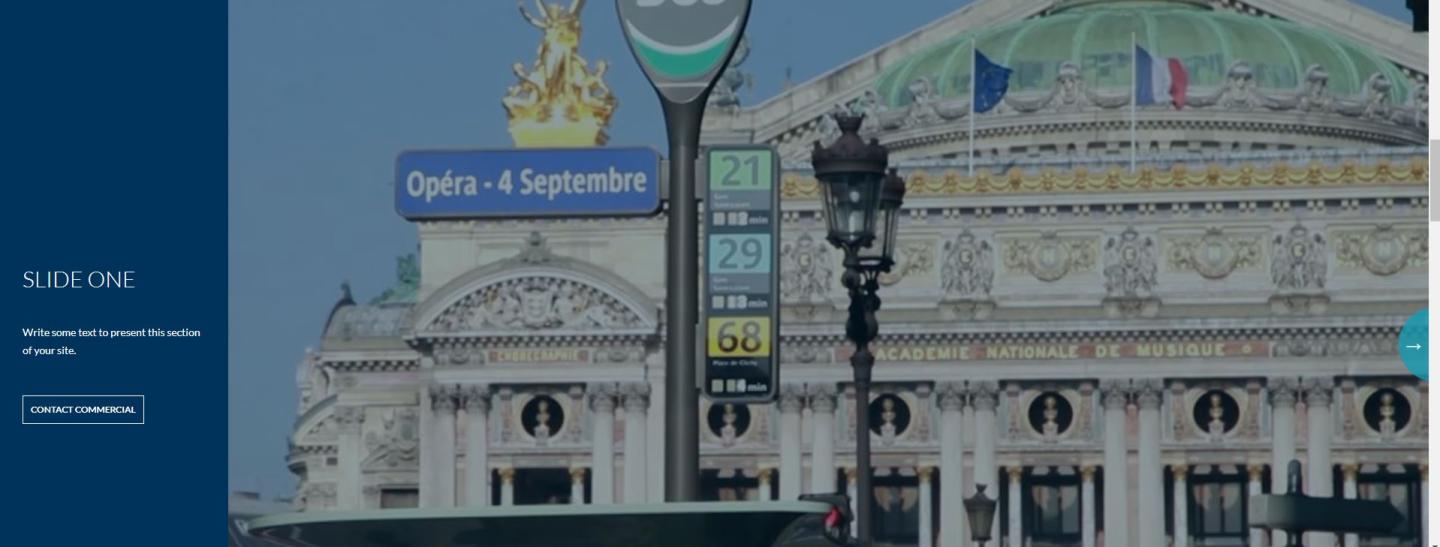
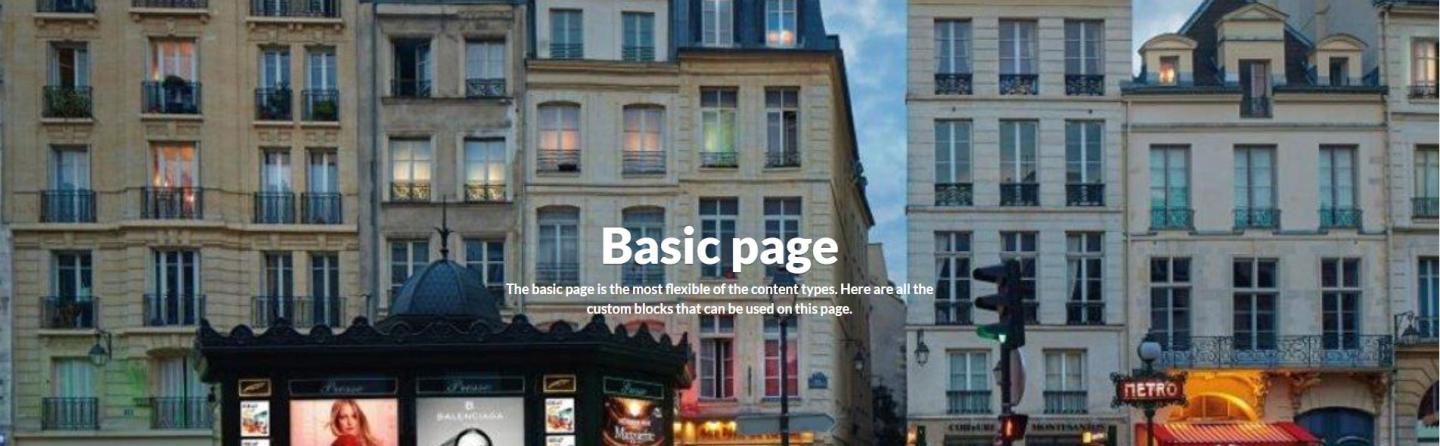
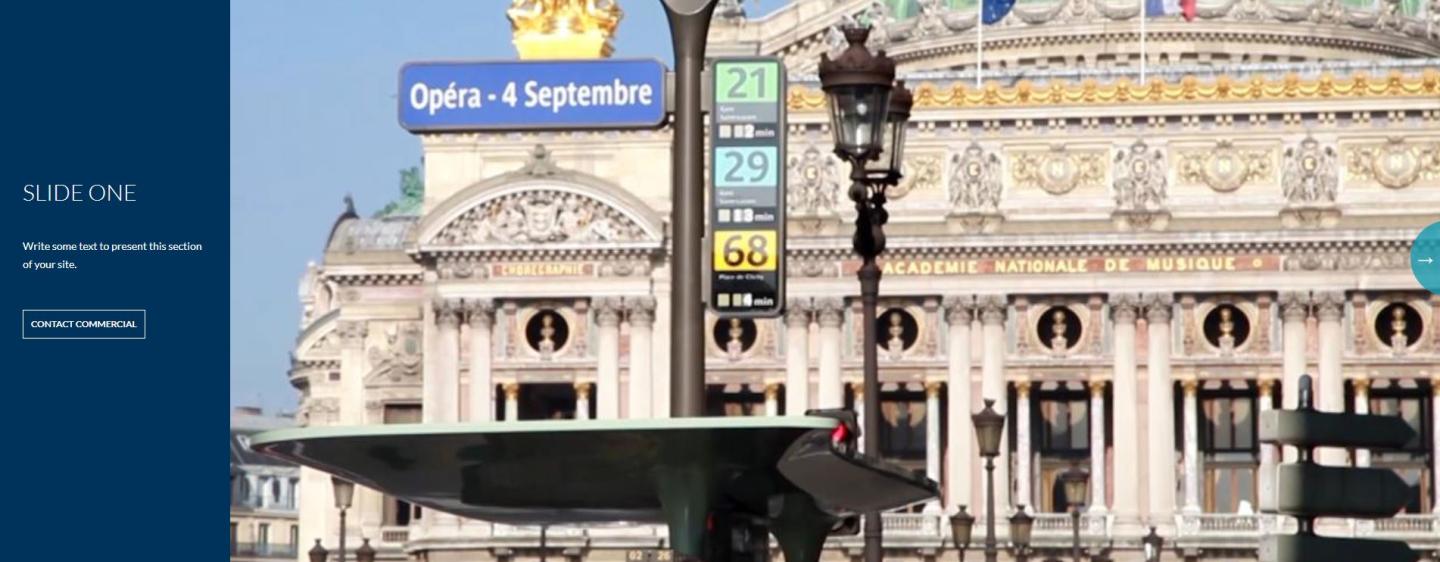
The Pictures & Videos Filters allow you to apply filters to your photos, homepage images, and background pictures. These filters help ensure consistent appearance, contrast for accessibility and quality. Additionally, you can choose to apply these filters site-wide, meaning the settings will be applied uniformly across the entire website.
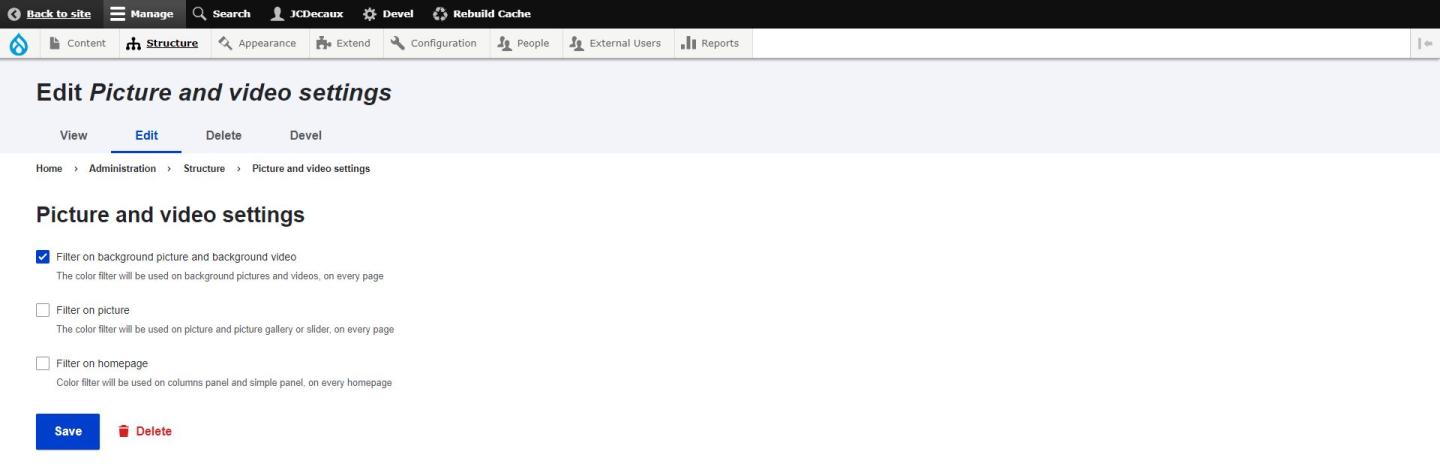
Content > Site Settings > Picture & Video Settings
As requested by you, you’ve got a three filters option to be apply on your picture
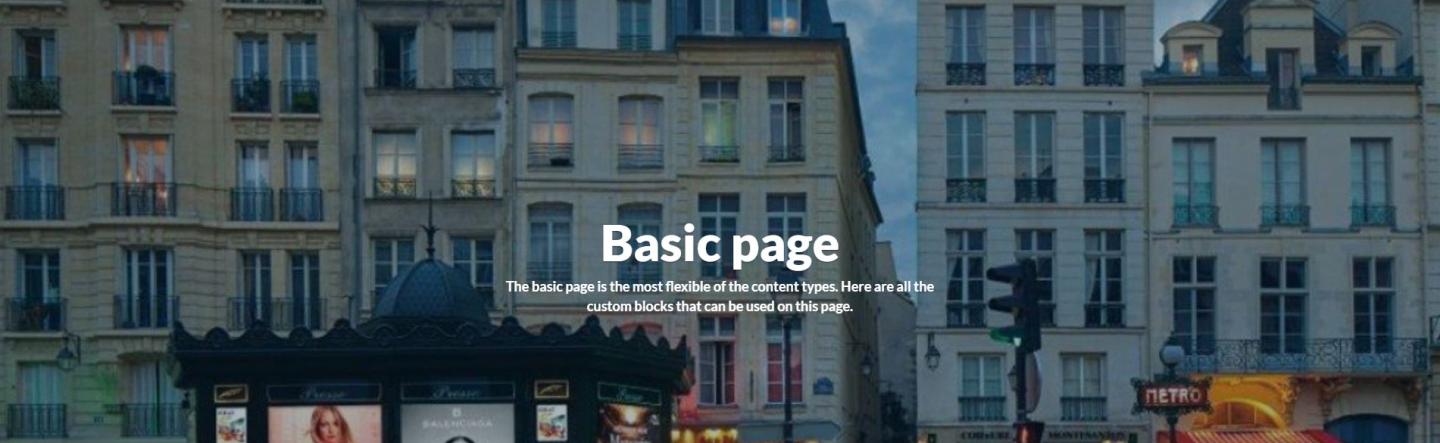
- A filter on the background picture and video of Content Type : Basic Page, etc.
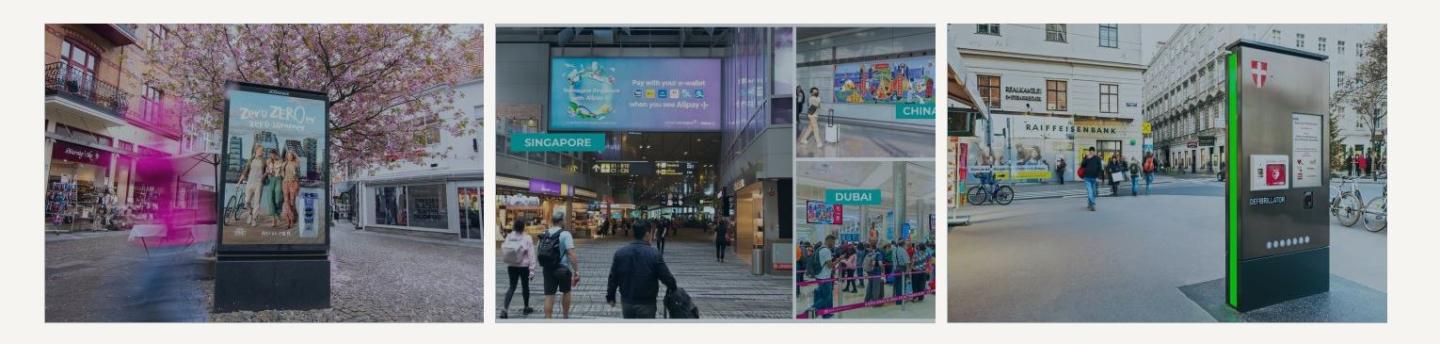
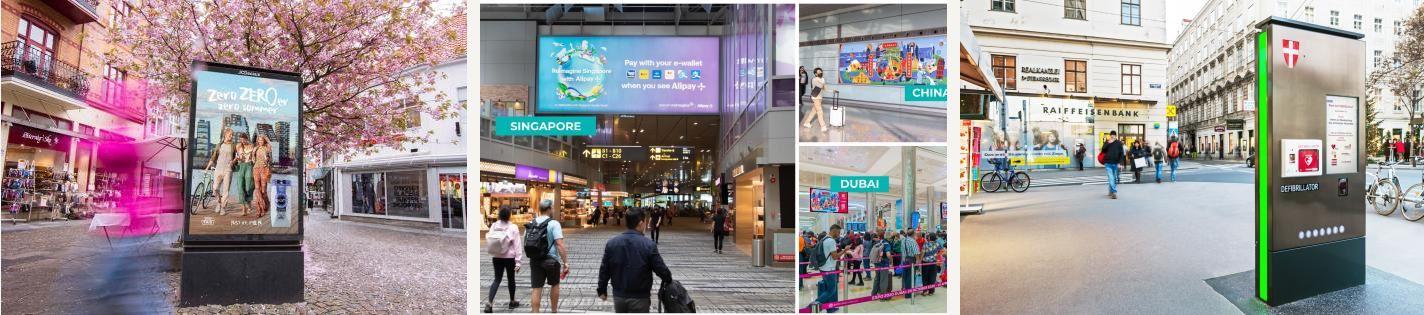
- A filter on photos
- A filter on panels within a Homepage
To take advantage of this option, go to Content > Site Settings > Picture and Video Settings