How to create a form embed?
It is not possible to create a webform directly in the custom Block Form Embed.
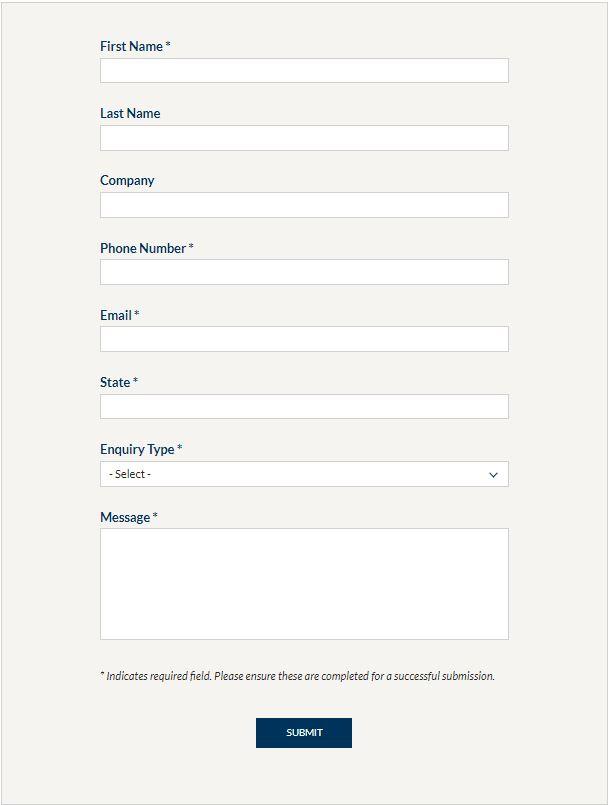
You need to use the custom block Form Embed to link a form to your page.
To create a form, simply go to Structure > Webform > Add Webform.
It is not possible to create a webform directly in the custom Block Form Embed.
To display your webform, you must use the Form Embed custom block or the Call-to-action Embed.
1. Add a title (only visible in the back office)
2. Select the webform previously created.