How to configure a bookmark ?
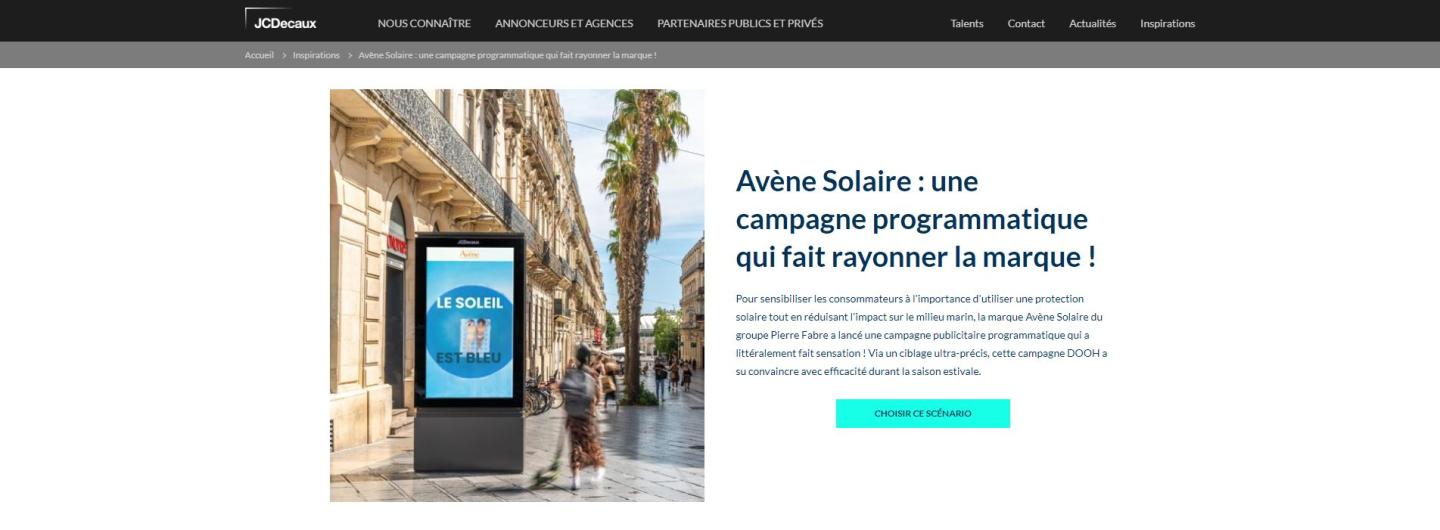
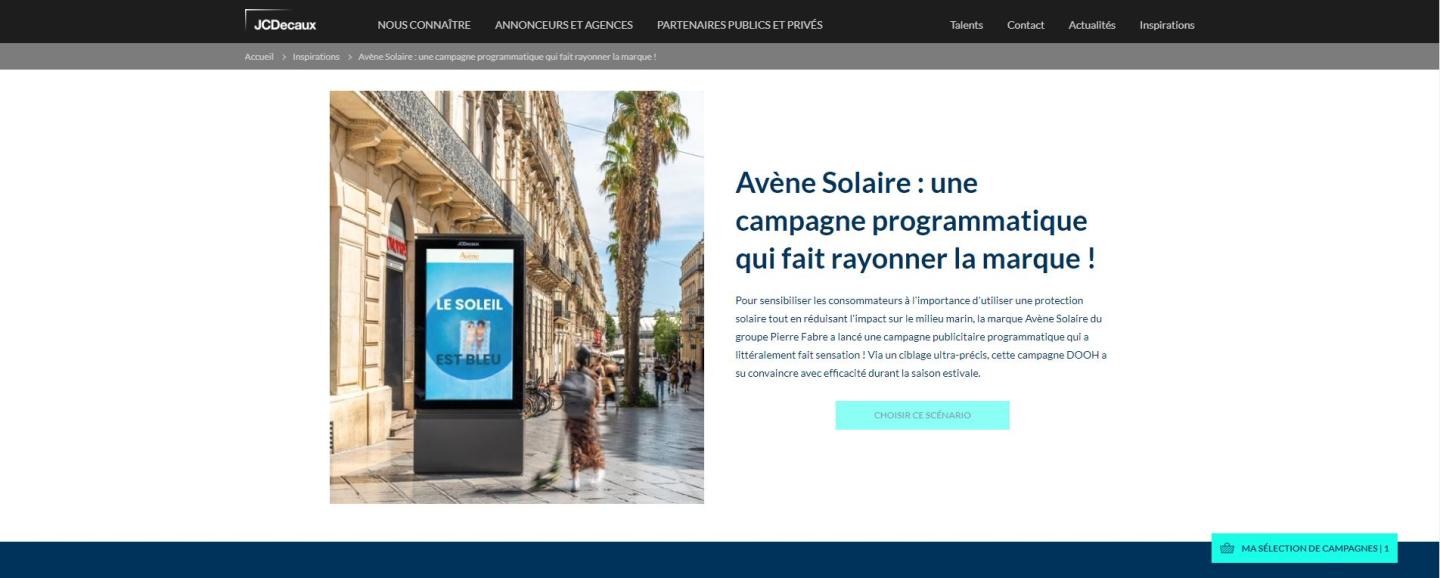
On your website, it's possible to add a bookmark service for your visitors.
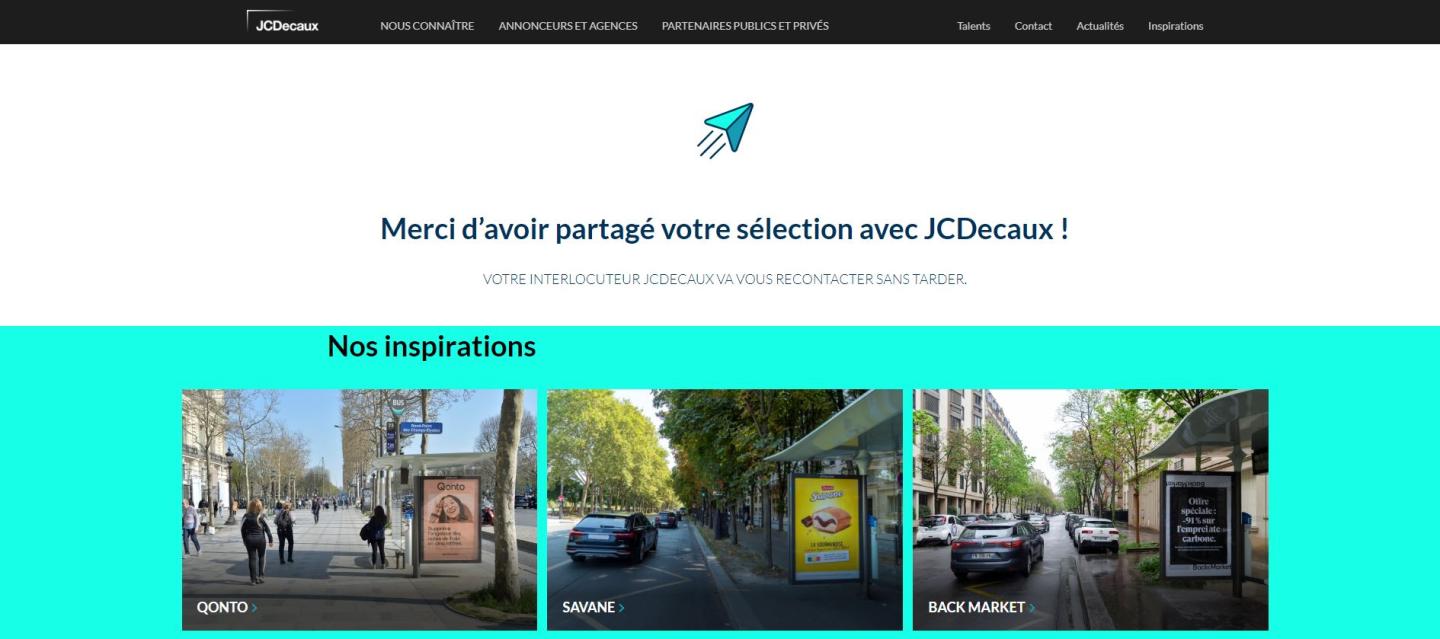
This bookmark offers to the website visitors the possibility to select specific contents and to let users contacting you.
Content > Site settings > Bookmark
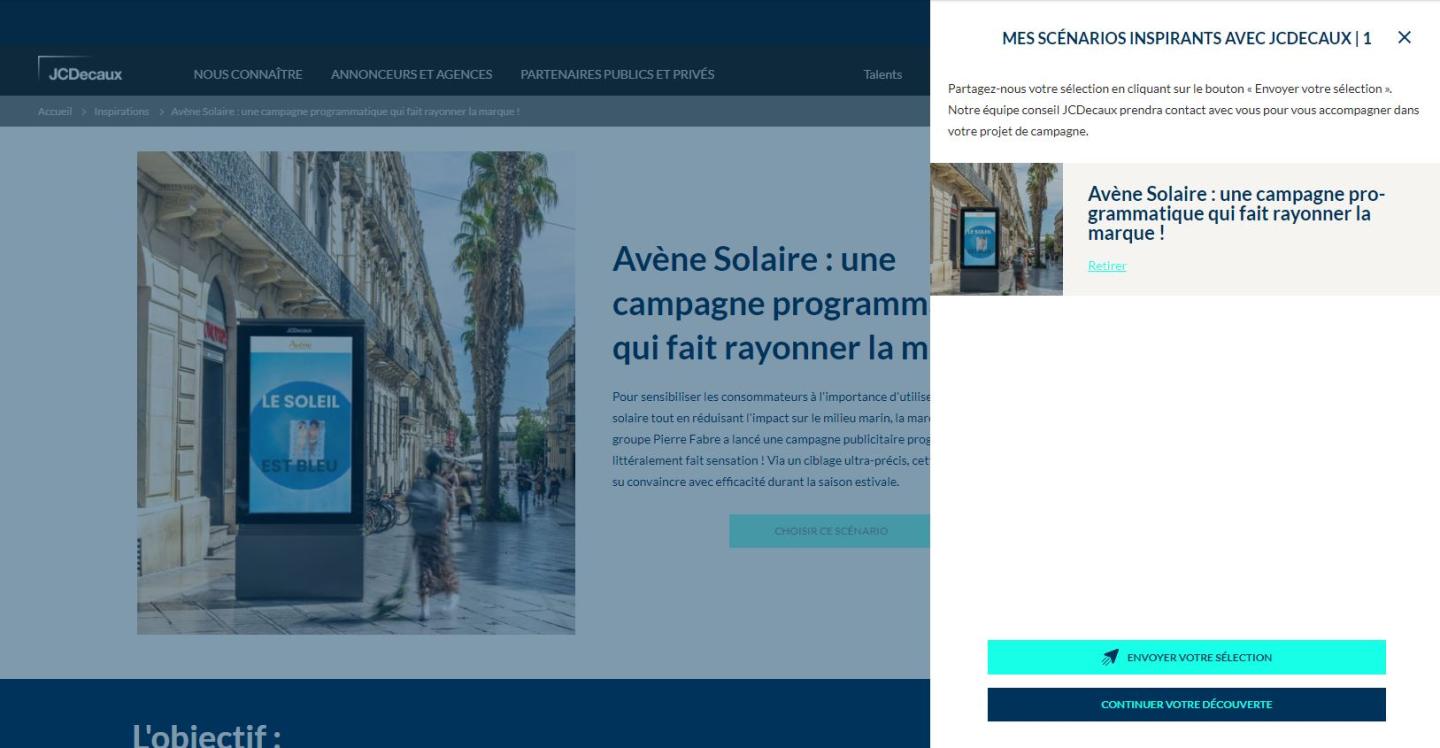
1. Add a title. The title is used on the sidebar.
2. Complete a teaser of the sidebar.
3. Give a title of the bookmarked items.
This title is used as a title for the bookmarked items on the checkout page.
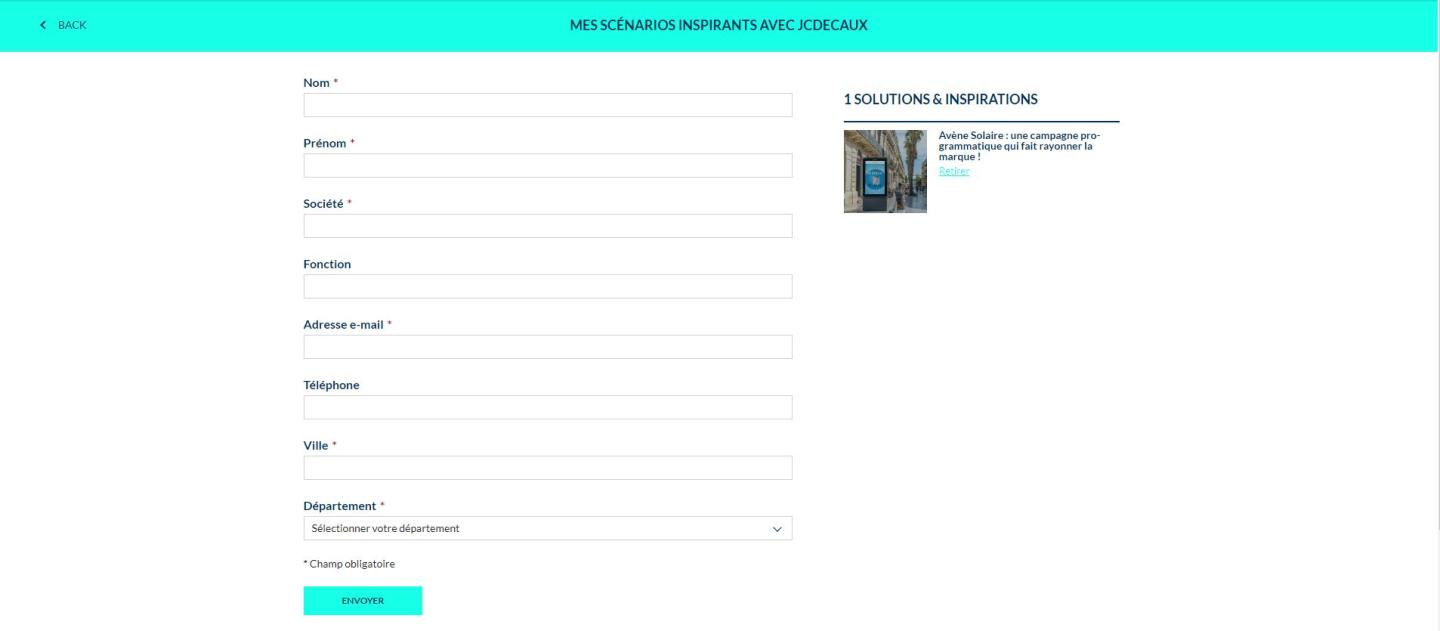
4. Link to a Scenario Webform that you created before.
5. Create a CTA Block for each button of the bookmark
- Floating button : to display if the visitor clickes on the Bookmark CTA Item
- Checkout button : used as the checkout button, of course.
- Closing button : to close the side bar.