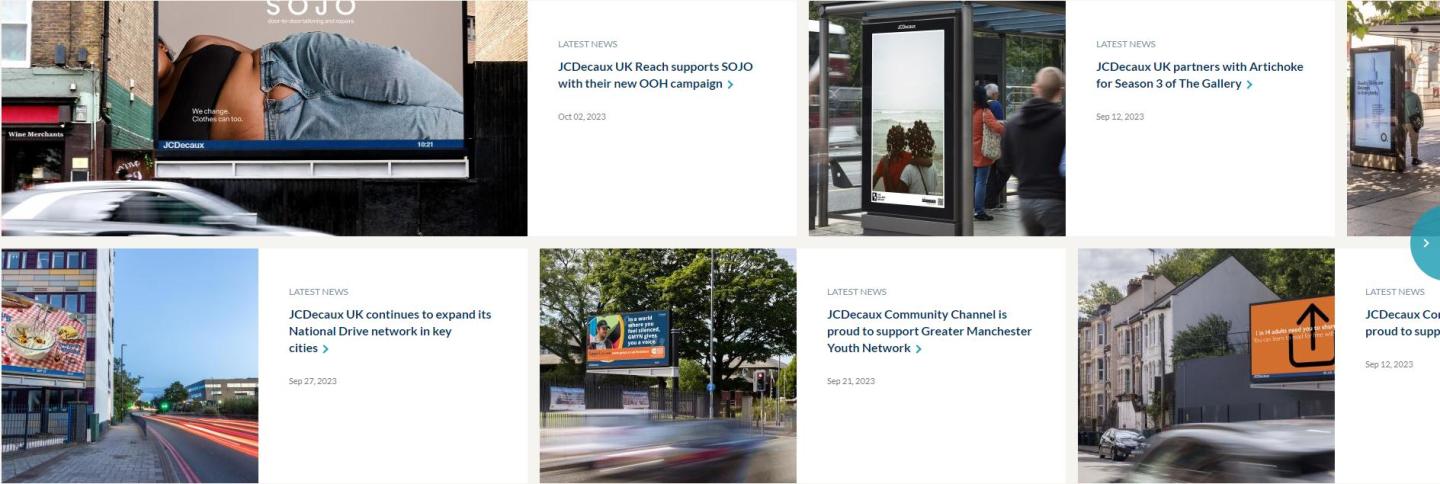
How to create a Newsroom Panel ?
Structure > Block Layout > Add custom block > Newsroom Panel
1. Add a title (only visible on Back-Office)
2. Select the Content Type you wish to highlight in the newsroom panel.
3. Featured content: You can select a Pin Content in the beginning.
You can also choose to make each item larger.
4. Below is the list of Content Types that can be featured on a newsroom panel :
- Campaigns
- Creative posts
- Documents
- News
- Press releases
5. CT News, Campaigns... : For each Contents Type, you can change the label, which is generally highlighted by default when the box is empty.