Menu
  • En-Fr

Creating a listing Document

1) How to create filters?
You can create as many filters as you want. In order to do that go in Structure > Taxonomy > Documents properties.
You have to create the document type AND document properties.

  • Document type is the format your document are categorized (PDF, JPG etc...)
  • Document properties  are another way to categorize your document.  It can be used as a filter for your document listing page. 


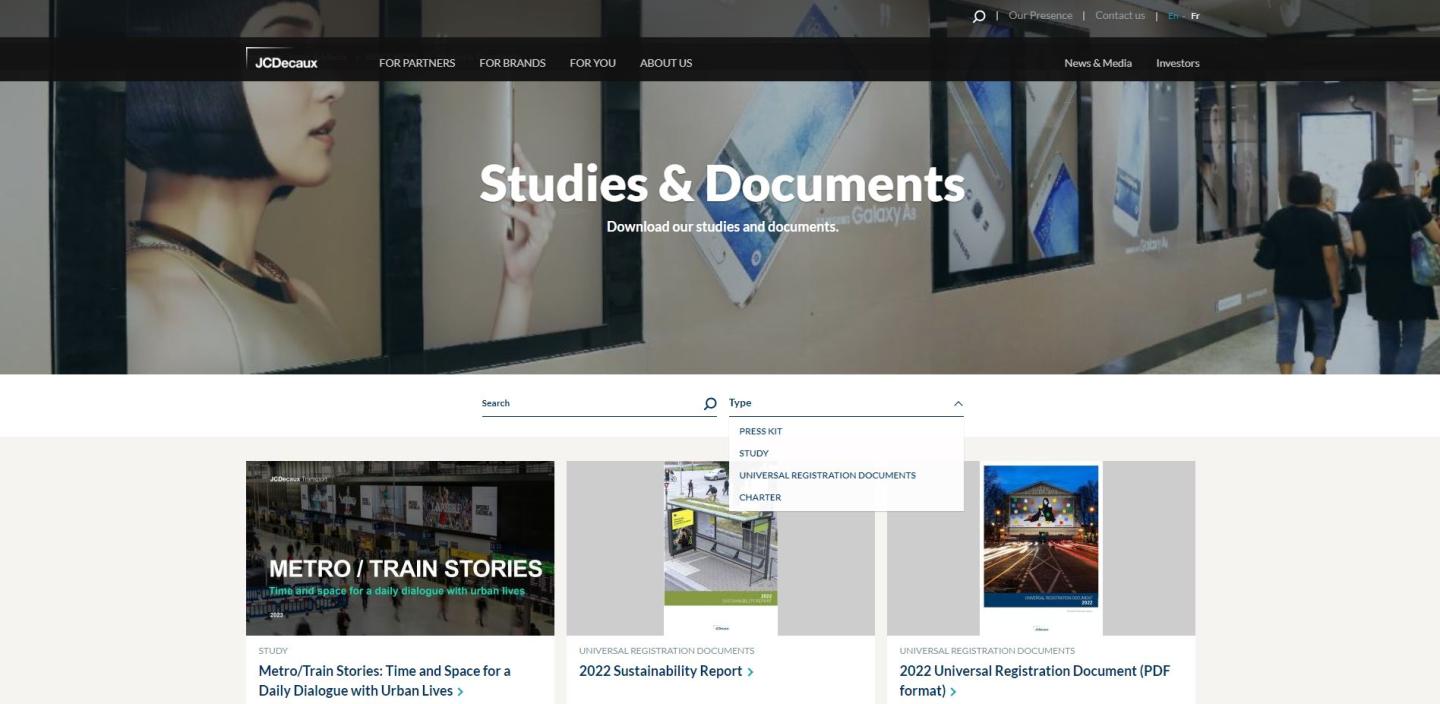
You can see examples of document on the Corporate website
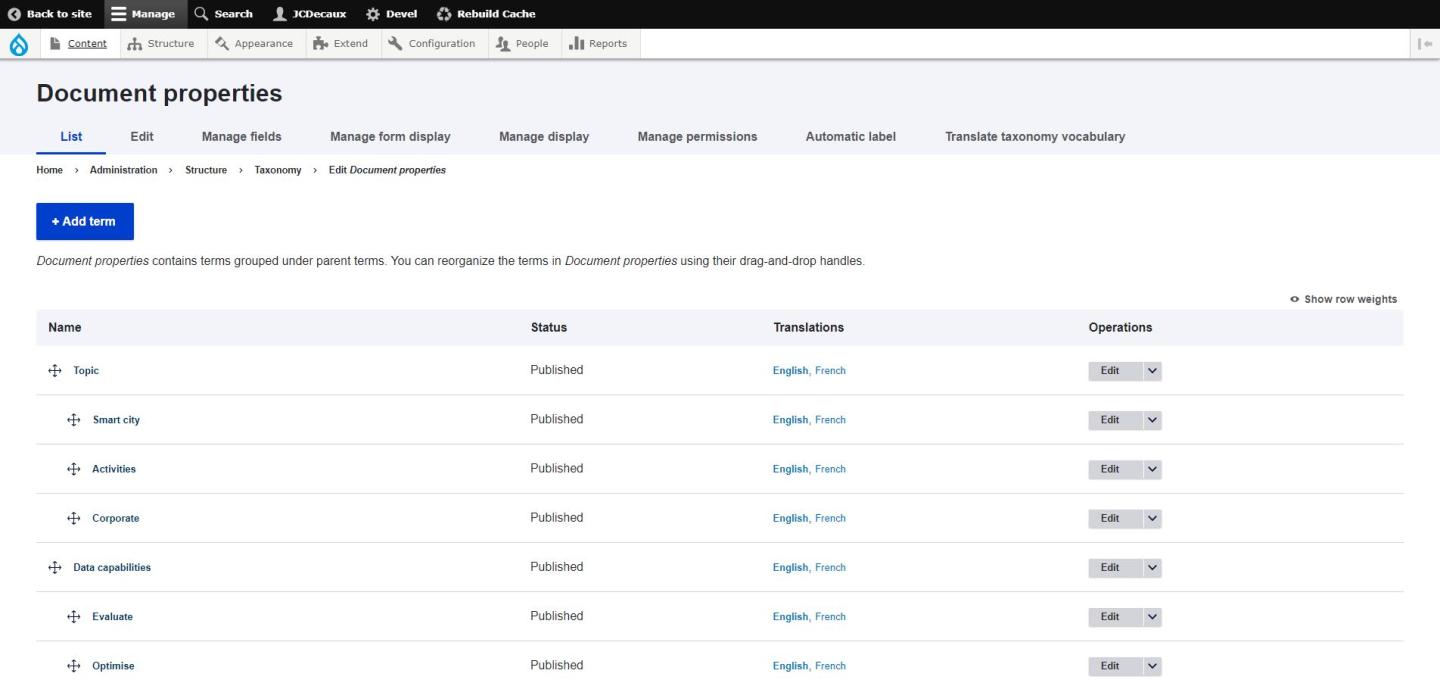
Document properties
Source : Corporate Website

2) How to create a document?

o create a Document, go to Content > Add content > Document, and fill in the desired fields.

You can add several files per document.
If you add a picture file, it will act as thumbnail on the listing page. Otherwise, fill in the Document thumbnail field.

In the pop-in, you can display:

  • a description (this text you are reading is a description)
  • a Contact block
  • a PDF preview for PDF documents (Configuration > JCDecaux > site settings to activate)
  • OR an embed video
  • OR a free html
  • OR simply the picture file you provided

Studies & Documents Listing
Source : Corporate website

Feel free to ask us if you need more information!

test
Ky-lang Sun Web Project Manager
Margaux Pausé Web Communication Manager