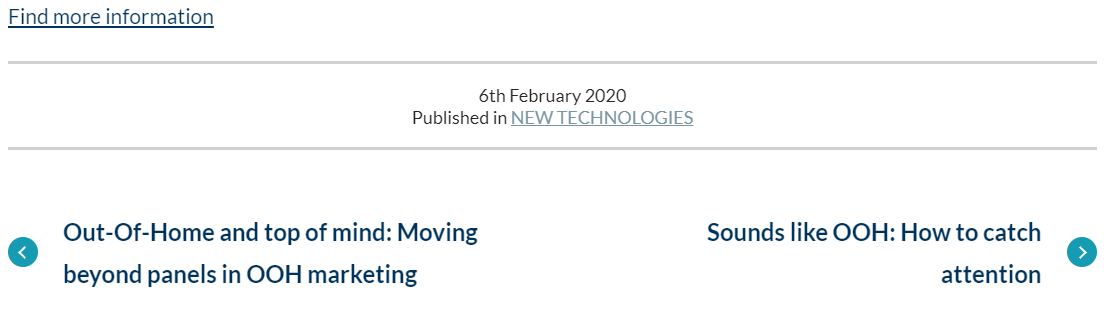
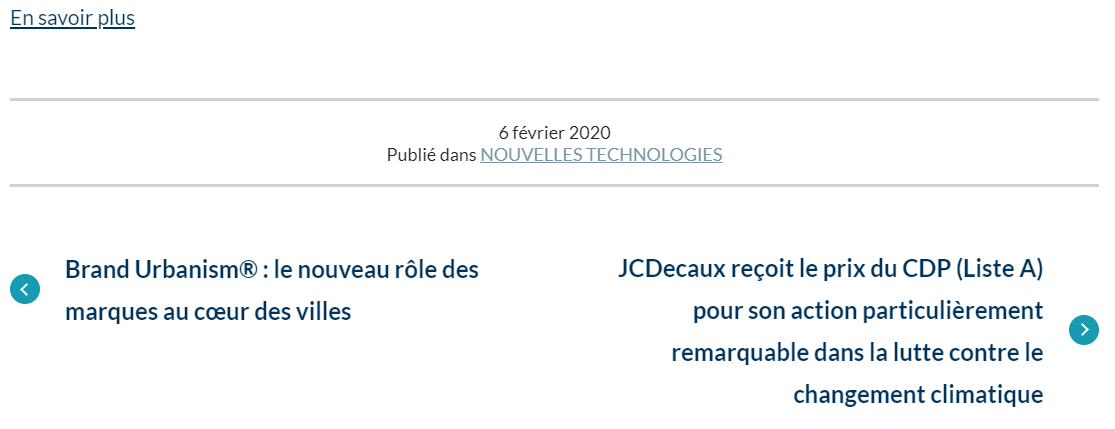
In your website, some page display the date of publication. You can see them at the end of blog posts for example.
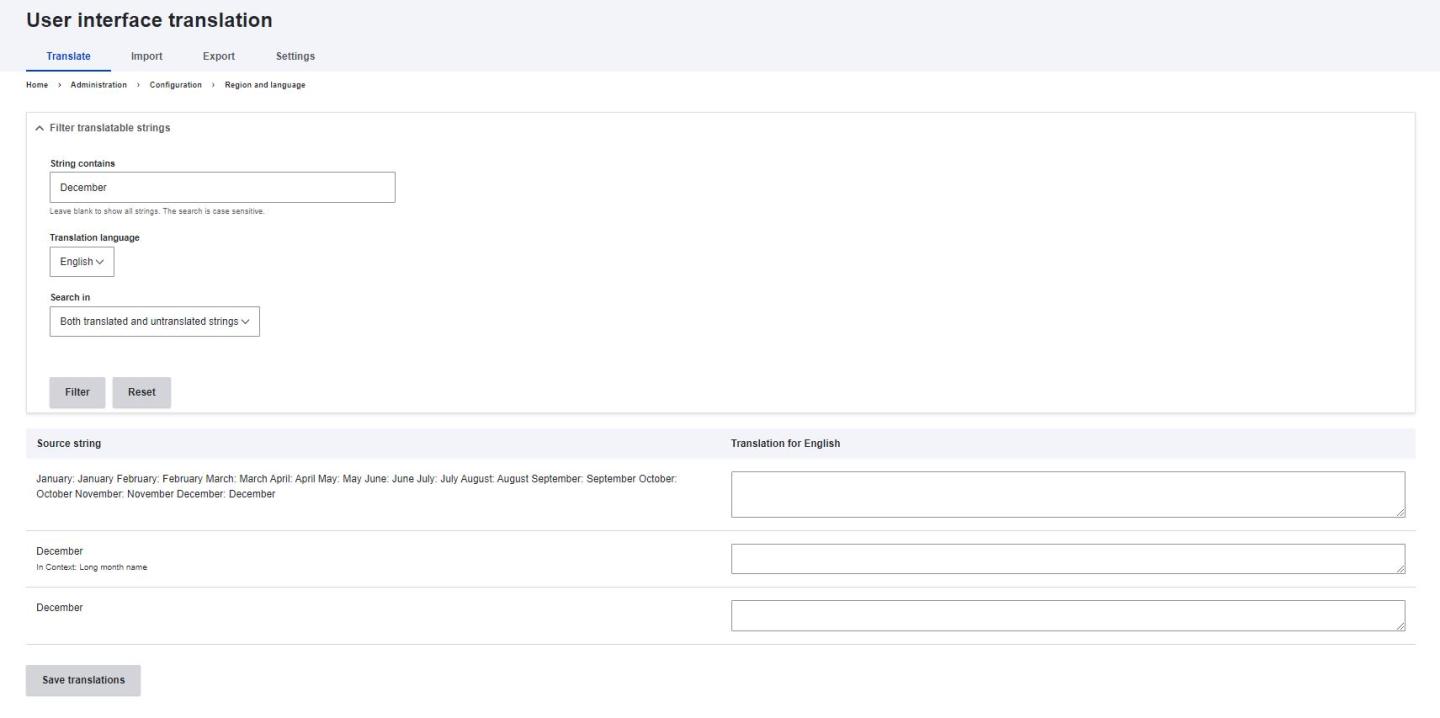
To translate them, you have to follow to steps.
Let's check the format first.
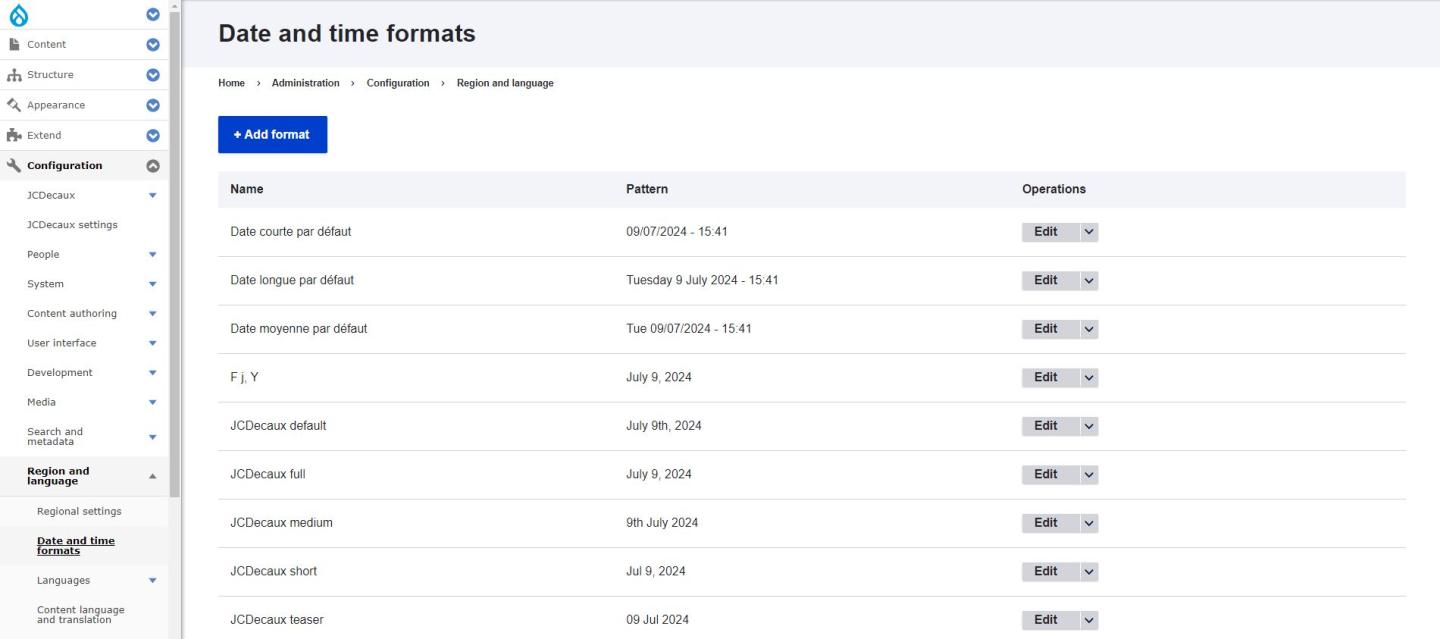
In the back office, go to Configuration > Regional and languages > Date and time formats.
You would arrive on the screen with all the possible formats. Find the format you want to translate, click on "edit", click on "translate".
Save.