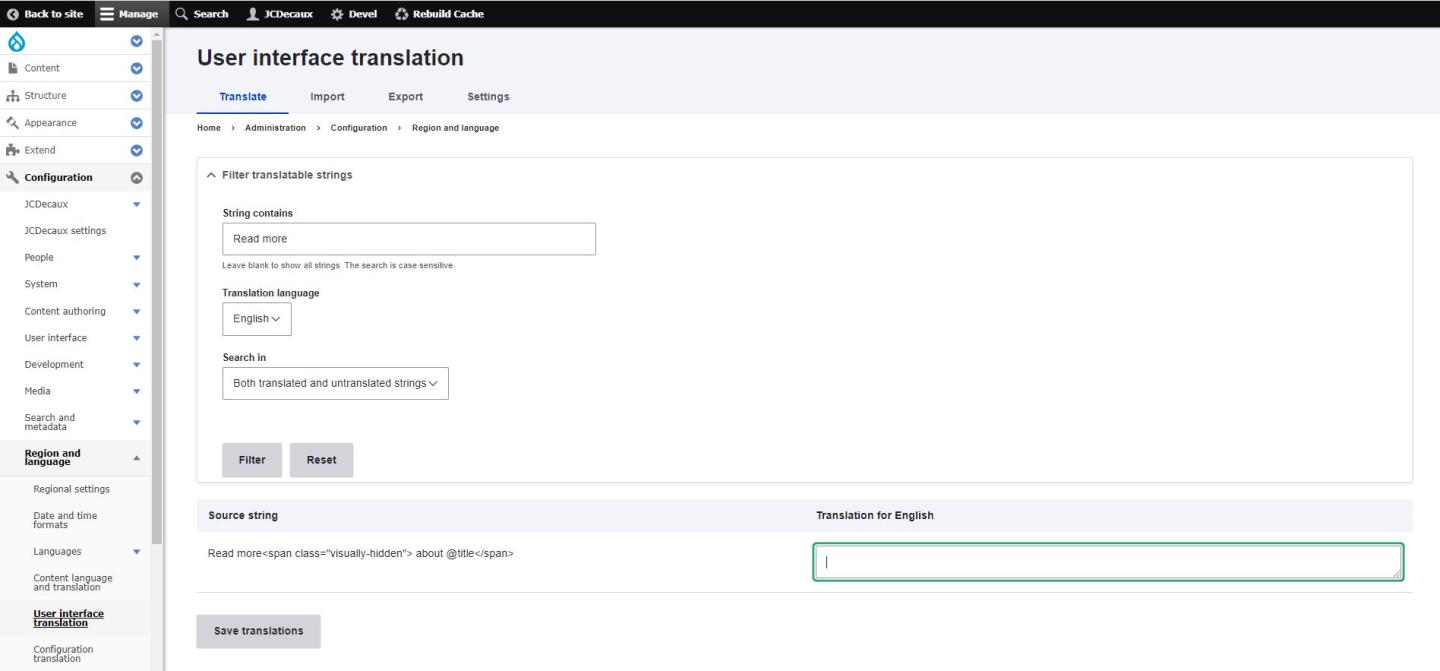
Go to : Configuration > Regional and Language > User interface translation.
In the "string contains" field, write the word you want to translate. For example "Read more". Be careful, capital letters are important.
Click on "filter".
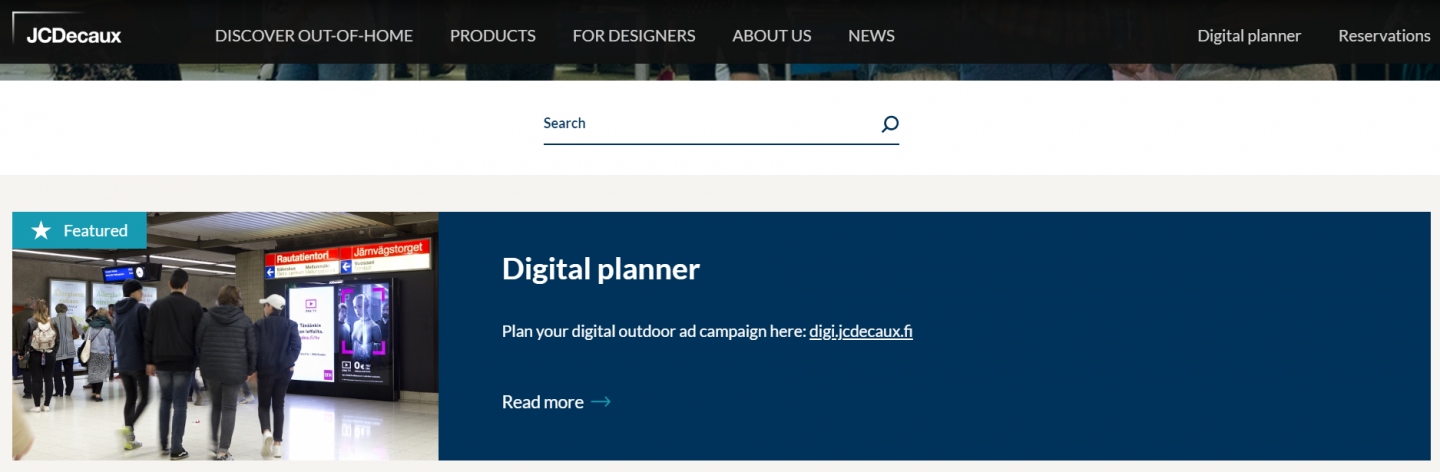
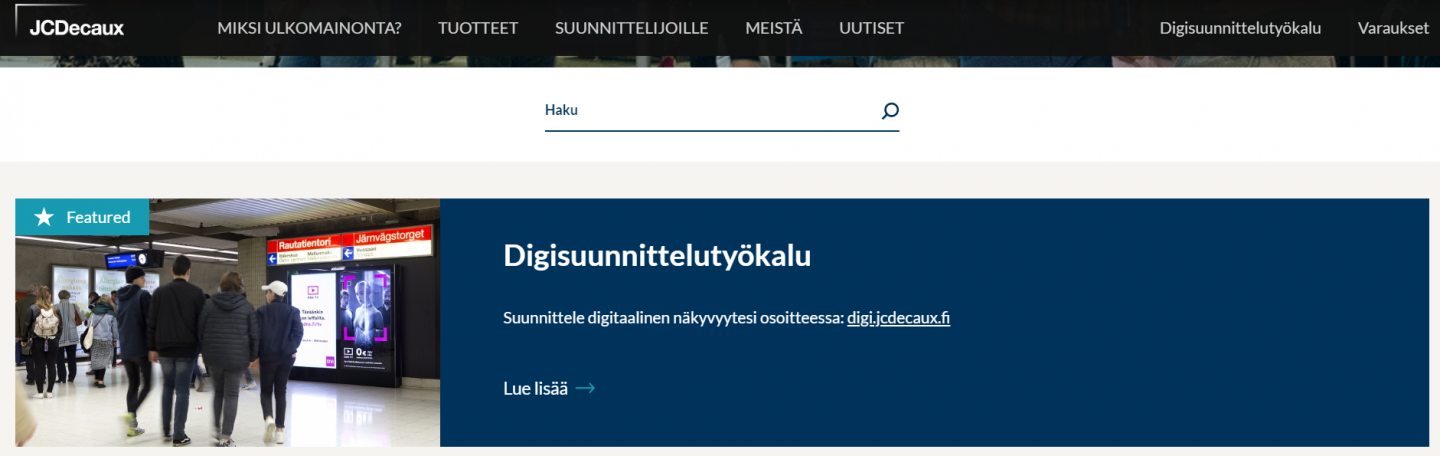
In the displayed results, you can find the word you want and add the translation in front of it.
If there are special characters in the original language, keep them in the translation. For example, in the screenshot below, you can see Read more<span class="visually-hidden"> about @title</span>*. To be sure you are not forgetting any of them when translating, you can copy past the original text and only change your translation in it: Translation<span class="visually-hidden"> about @title</span>*