Menu
  • En-Fr

Creating a listing Catalogue Item

1) How to create a Catalogue item filters ? 

Two things are involved: 

  1. Catalogue type and properties
  2. Catalogue item

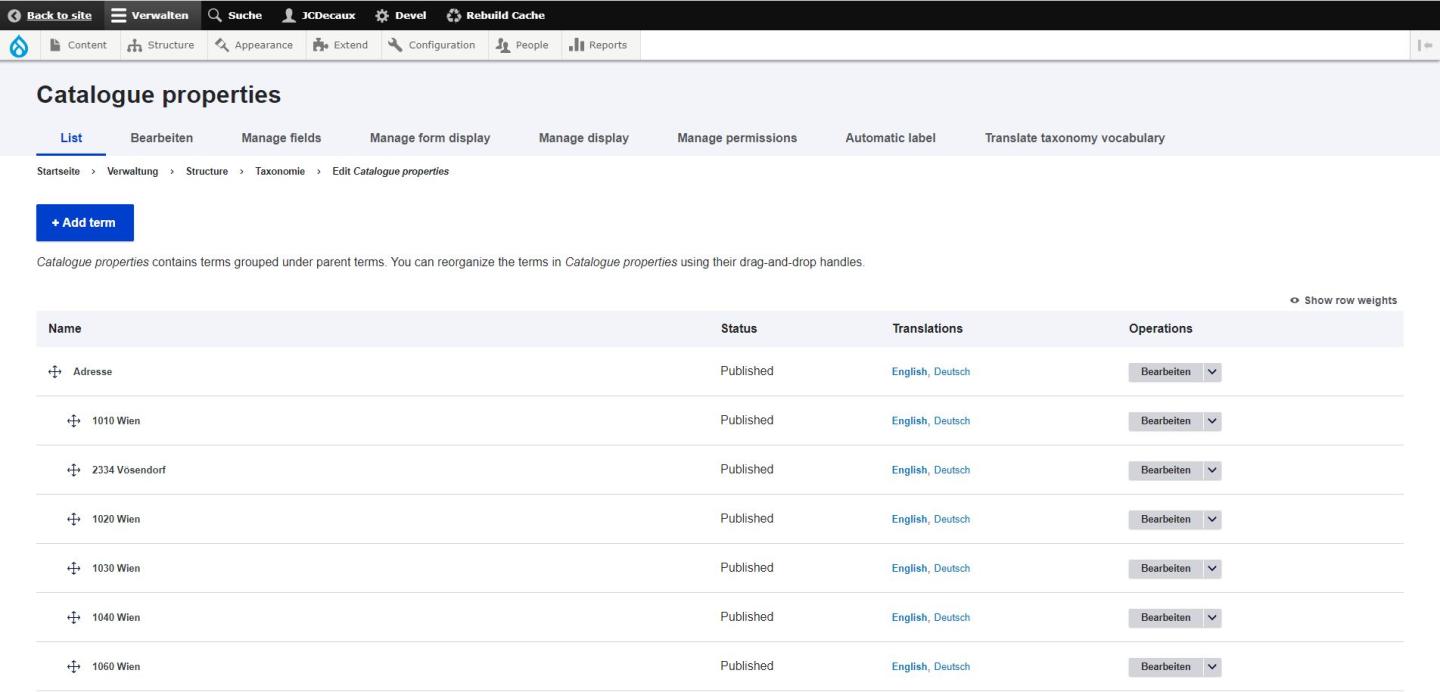
    First, go on Structure > Taxonomy > Catalogue type and Catalogue properties. This is where you create the filters for your catalogues.
    Then, for the content catalogue, just go to Content > Add content > Catalogue item > Fill the fields you want.
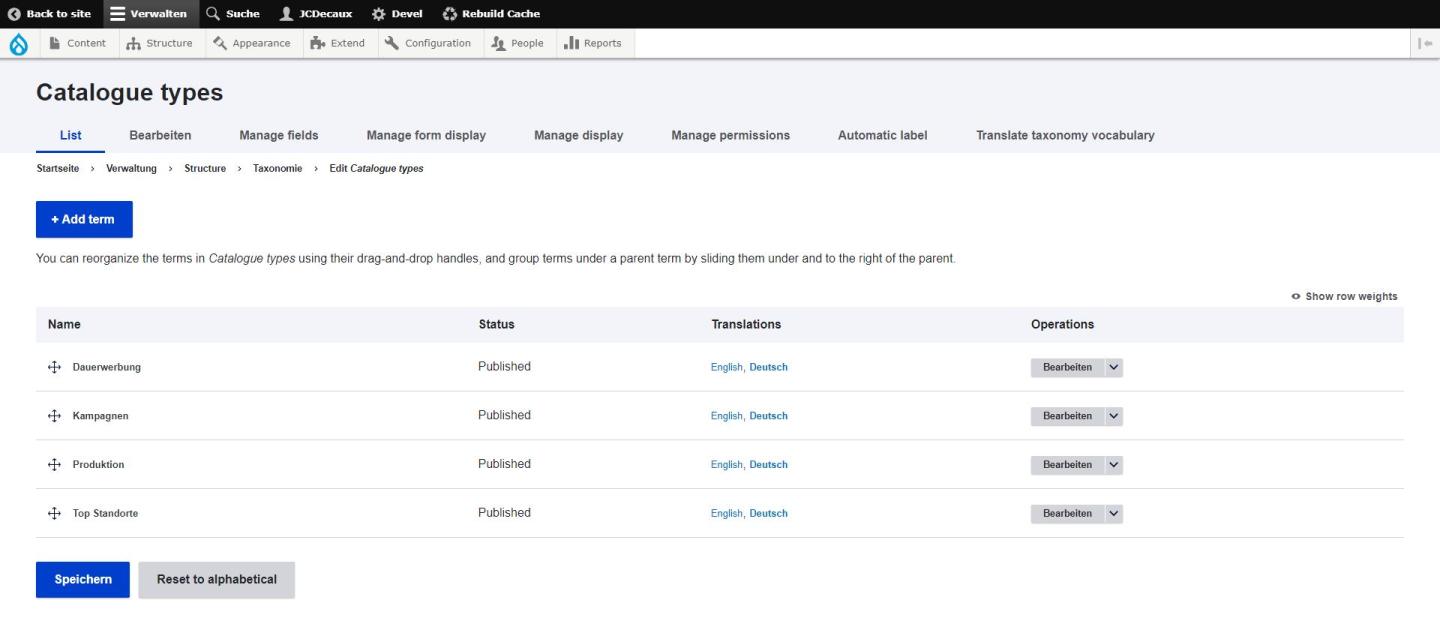
Catalogue Types - Taxonomy
Source : Megaboard Website

Catalogue Properties - Megaboard
Source : Megaboard website

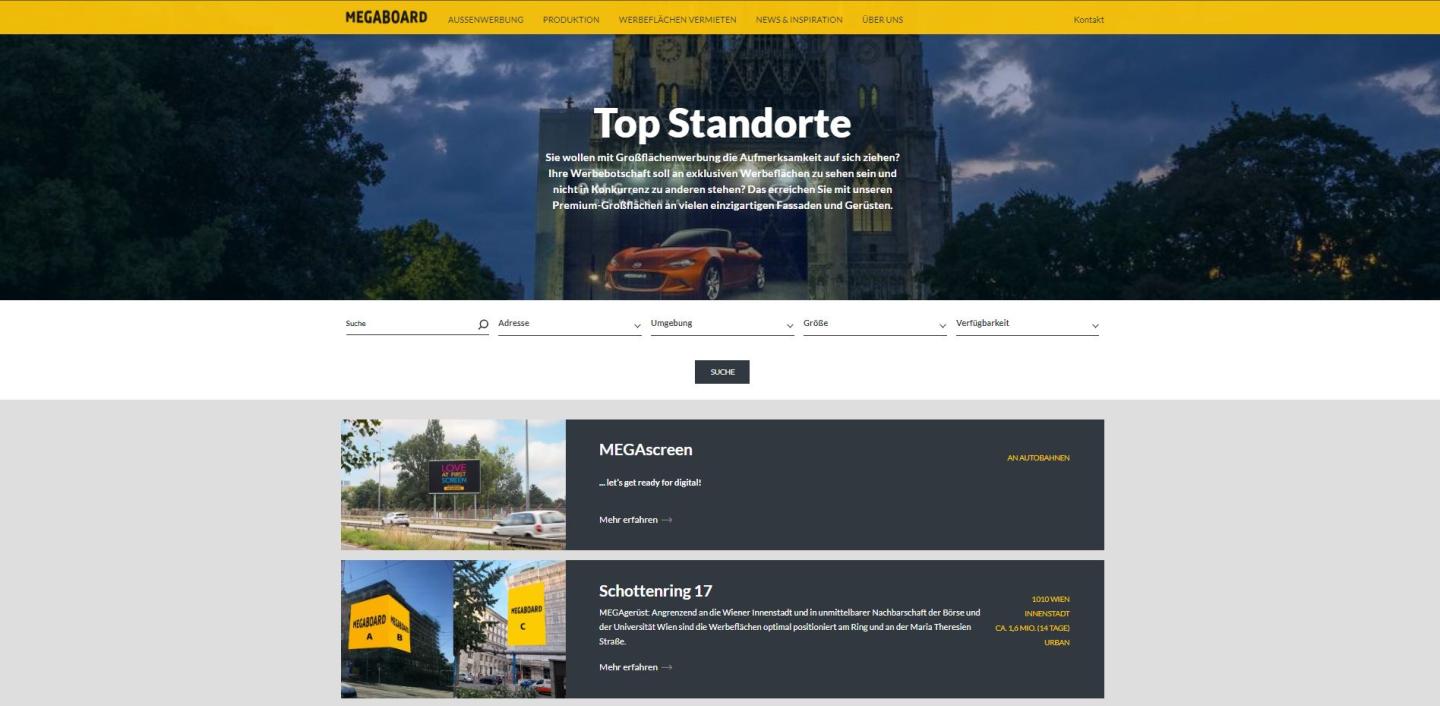
Catalogue Item Listing
Source : Megaboard Website

2) Good to know :
The "Price" field is customizable as you can change the font style, for example assign your price the "Price" font style to see it better on front office.
You can add several things to your Catalogue items. You can add Contact cards, a webform (and then you could customize a special webform for each offer for example), a downloadable file.

You can see examples of Catalogue items in the Megaboard website

Catalogue Item Listing
Source : Megaboard Website

Feel free to ask us if you need more information!

test
Ky-lang Sun Web Project Manager
Margaux Pausé Web Communication Manager