Menu
  • En-Fr

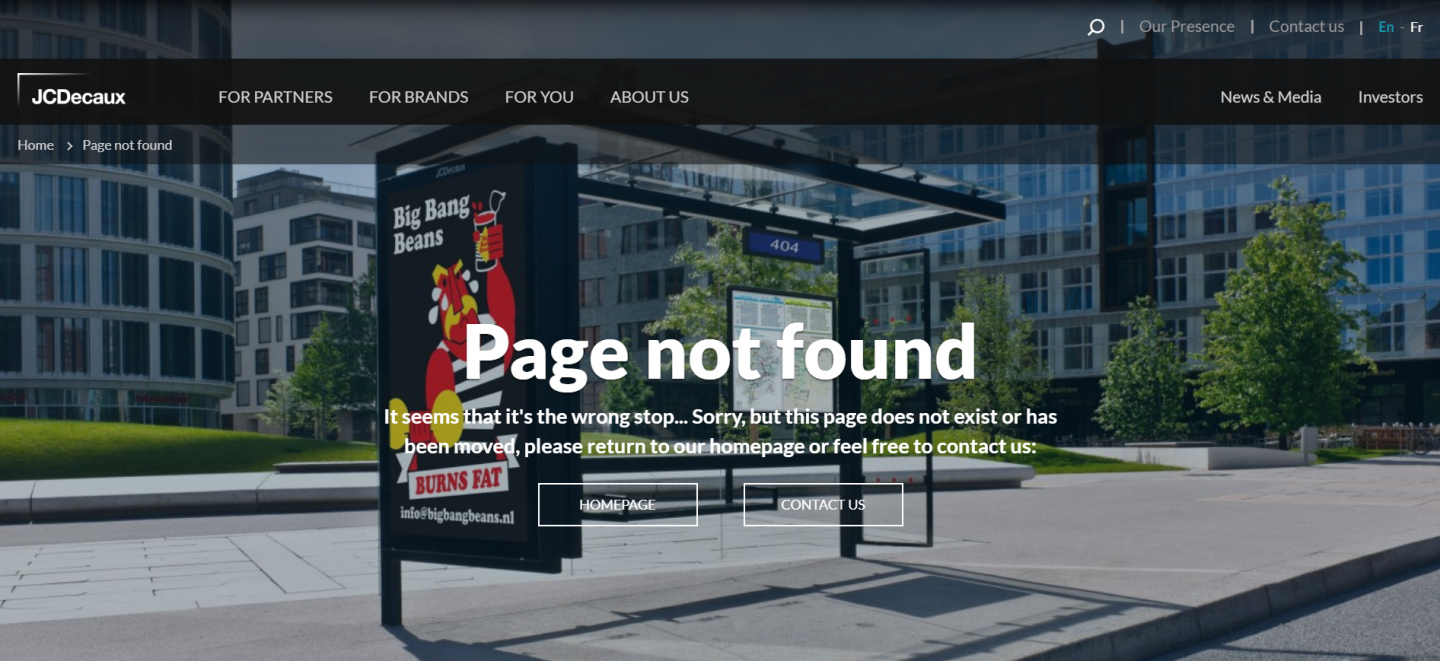
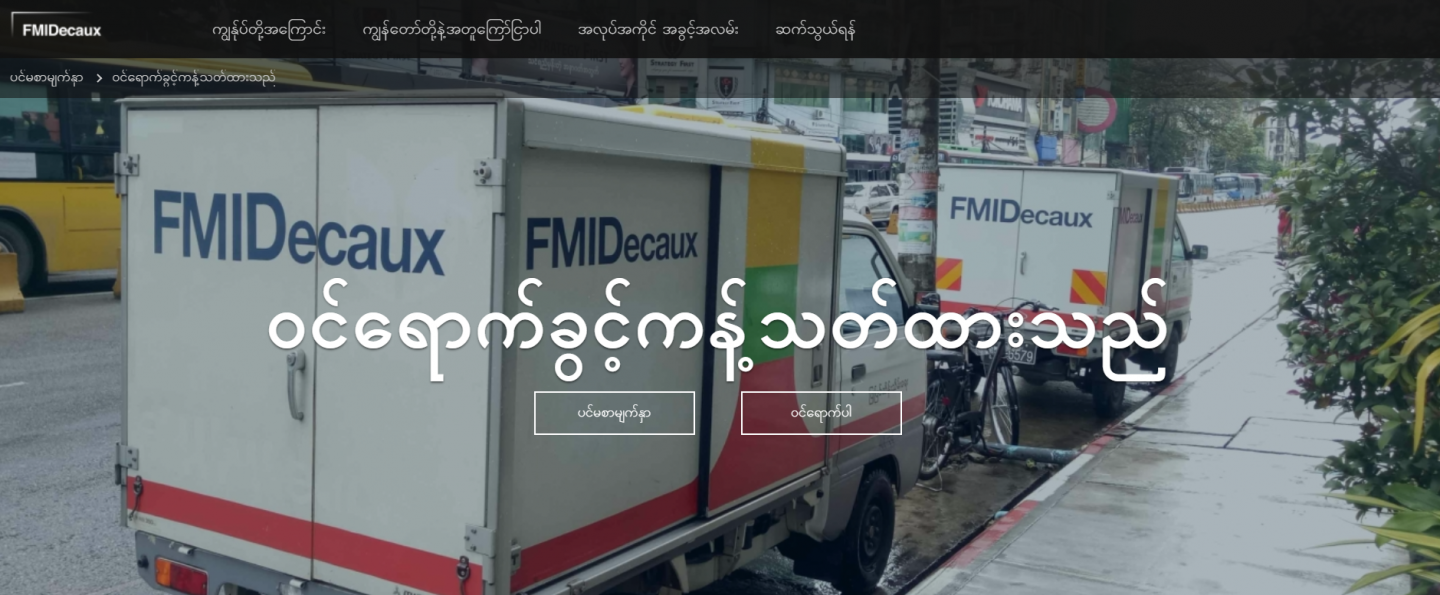
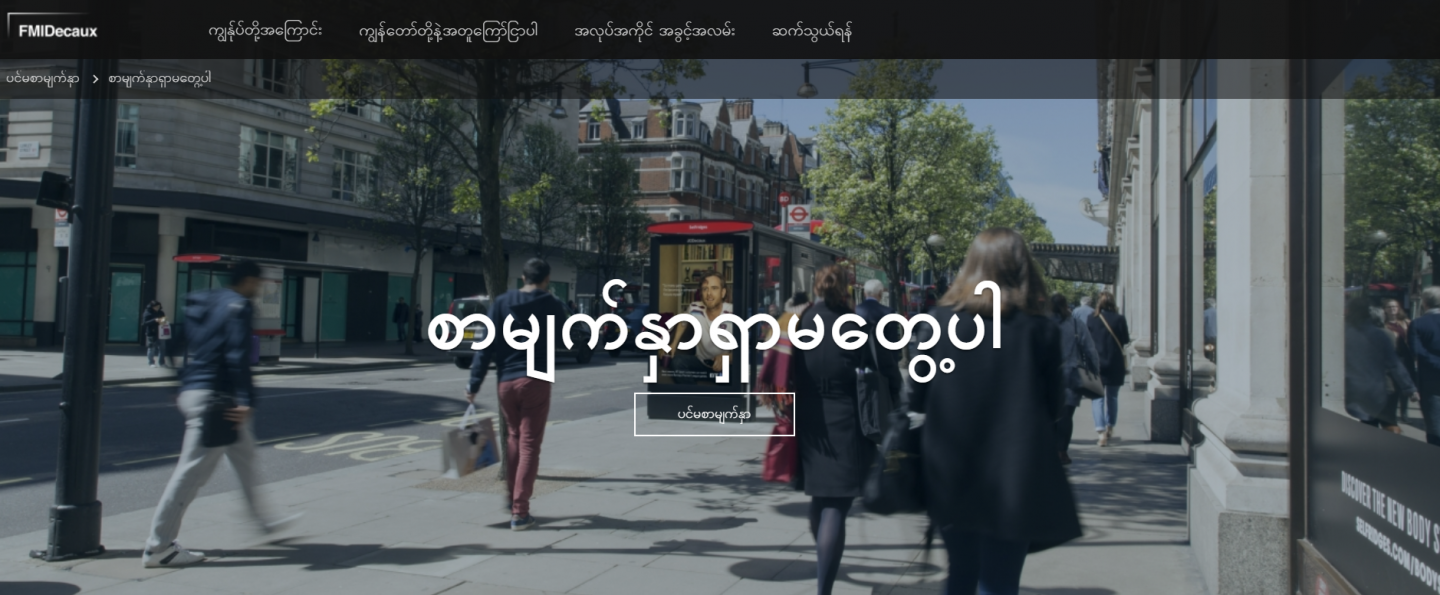
WHAT ARE YOUR 403 AND 404 PAGES?

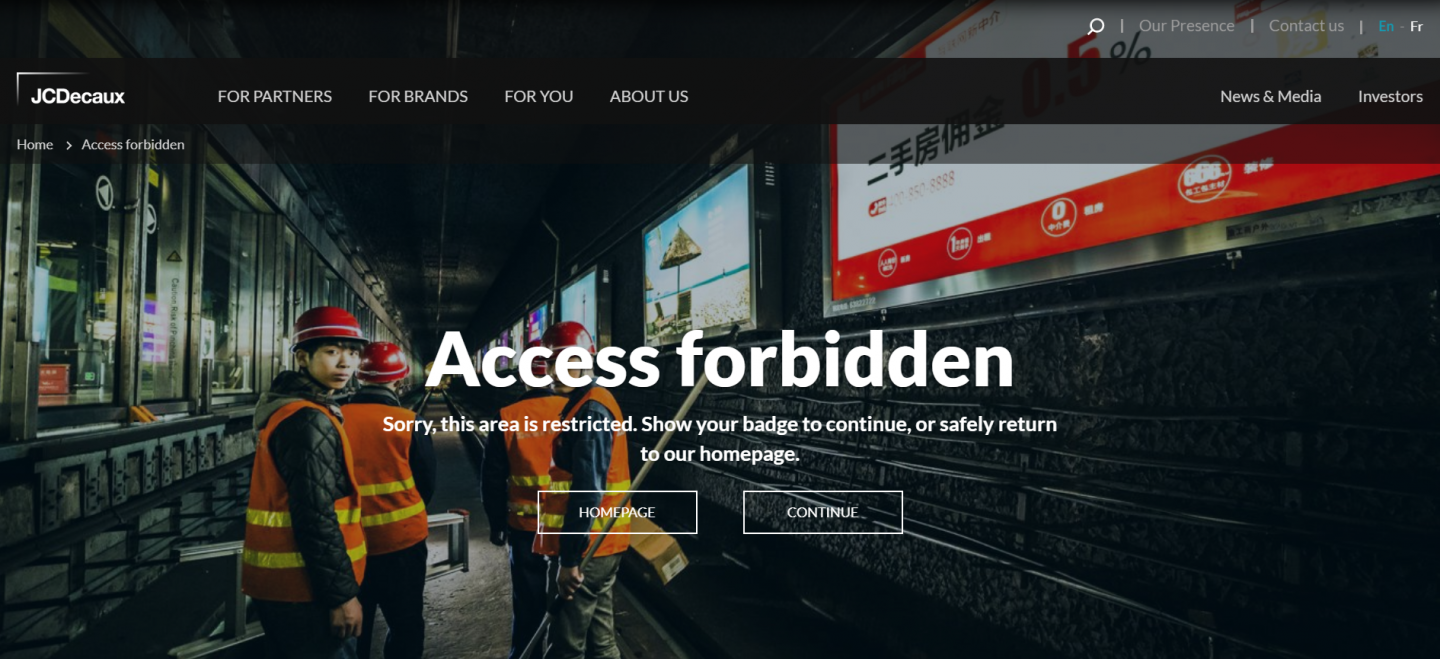
"403" page: It is the "Restricted access" page. It appears when the website forbids users from accessing the page they are trying to see. 

"404" page: It is the "Page Not Found". This page appears if users have written the right domain name, but not the right requested page.

These pages can be frustrating for the users. You can add some Call-to-Action to give them a way out of the error page.
HOW TO CREATE THEM ?

Go to Content > Site settings >  Create settings
Don't forget to add call-to-action to redirect users on existing pages, like the Homepage of your website.

HOW TO TRANSLATE YOUR 403 AND 404 PAGES?
 

  1. Go to Content
  2. Select Site Settings
  3. See "403 page" or "404 page"
  4. Click on the little arrow next to the "Edit" button
  5. Select Translate
  1. Add your translation

    Once again, don't forget to save

Feel free to ask us if you need more information!

test
Ky-lang Sun Web Project Manager
Margaux Pausé Web Communication Manager