How to create a picture gallery?
Structure > Block Layout > Add custom block > Picture Gallery
You can now choose from five types of gallery to illustrate your pages:
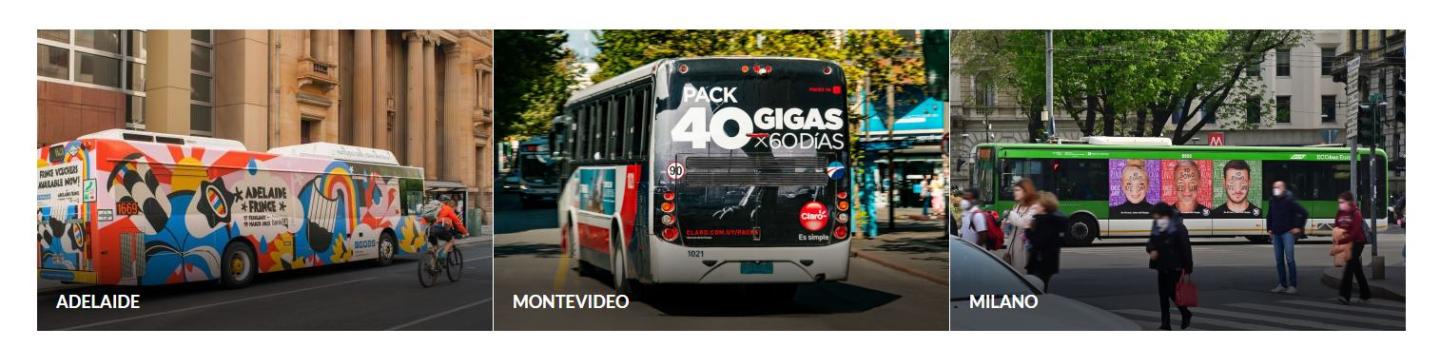
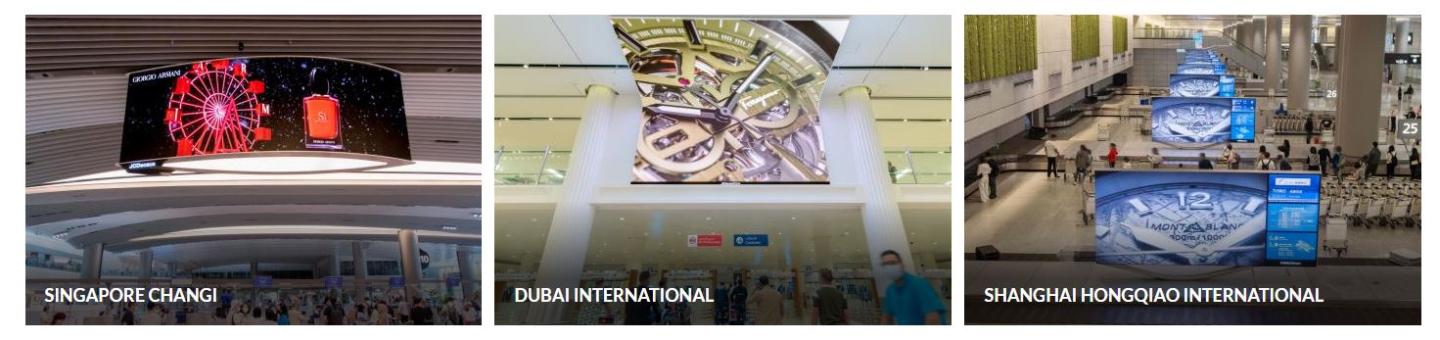
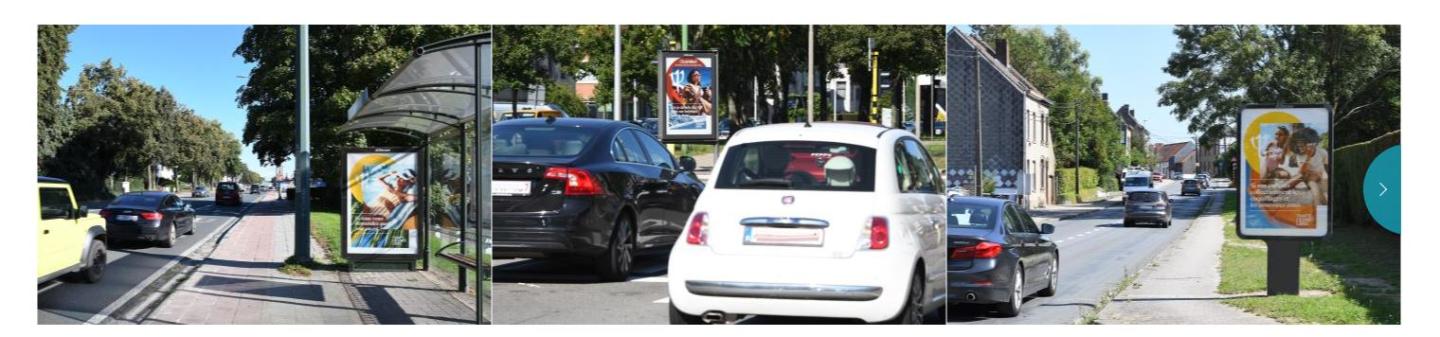
- The 3-picture line gallery: appears on the page as a block of three photos. You can add as many photos as you like.
- The 3-picture line gallery with margin: has the same look and concept as the first gallery above, but this time with a separating margin between each of the photos.
- Scroll Gallery: you can add between 3 and 10 photos to this gallery. Tip: the more photos, the more useful the gallery.
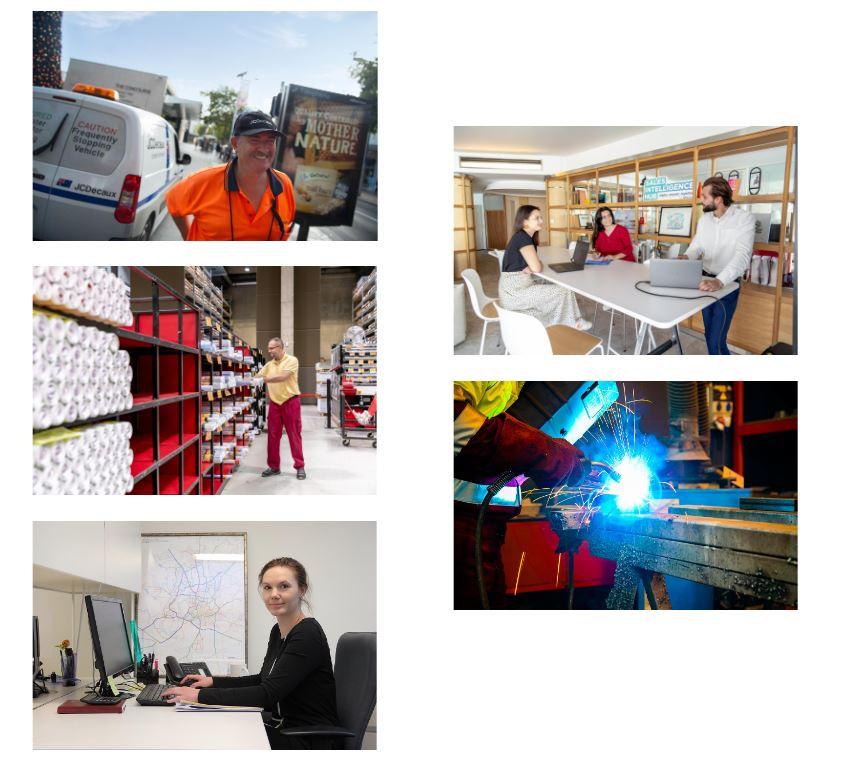
- Staggered Gallery: For the block to take up part of the page, not in a fixed way.
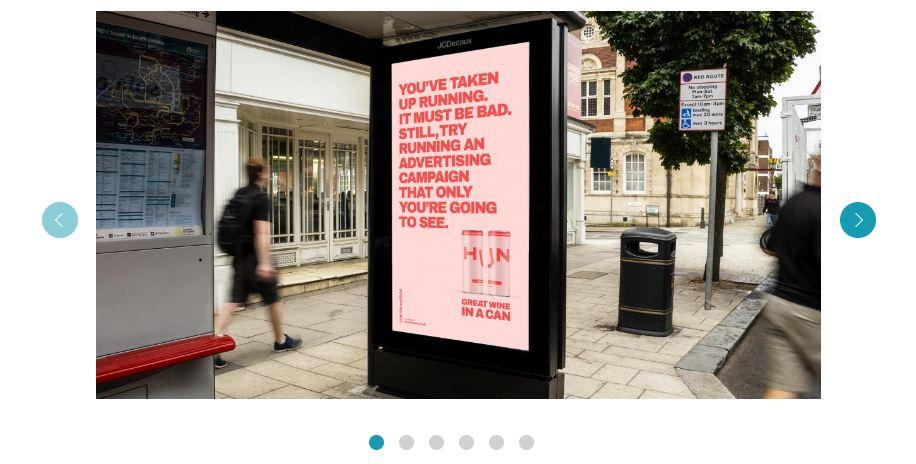
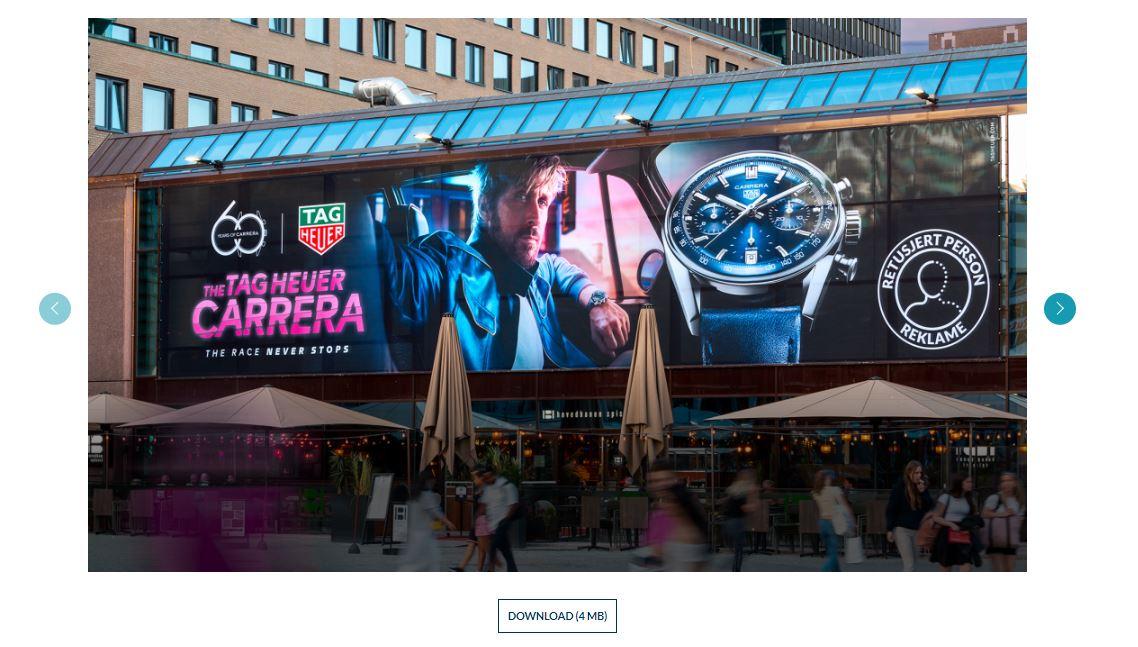
- Slider : To be able to display large Slider photos and offer the option of downloading photos.
For the 3-picture line or the 3-picture line with margin, you can align it: left or center