
1) Create your taxonomy
First, go on Structure > Taxonomy > Activities, this is where you create the activites which you'll can link to your locations. I advise you to create all activities first, like Billboards, Bus Shelters, Digital Panels, MUPI...
Creating a listing Location
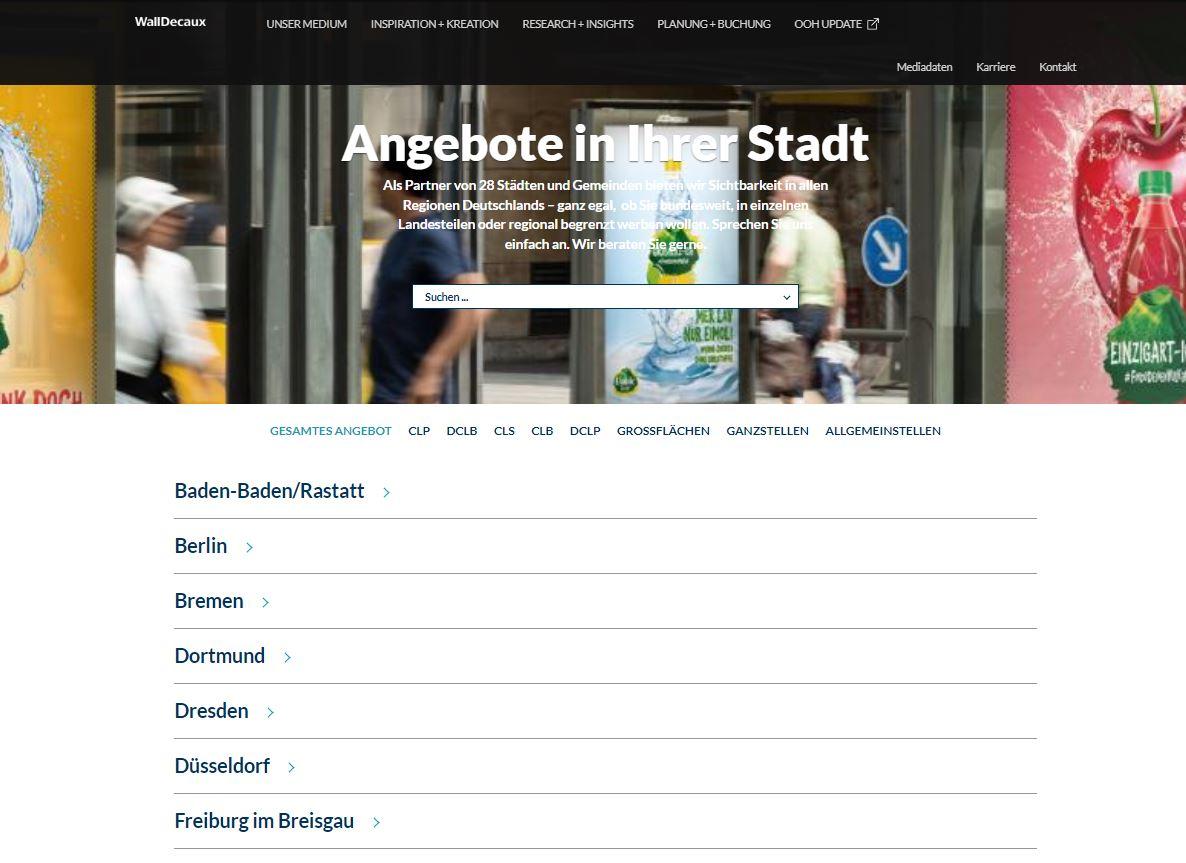
Location Listing
Source : WallDecaux website
2) Create your location
When you have all your activites, add a "Location" content. For example, if you want to make Paris which exposes Bus Shelters, MUPIs and Columns, then type "Paris" in the Title field, write your introduction which will display just below your Title, then chopse your activities.
In this case you'll just have to Ctrl+Click on Bus Shelters, MUPIs and Columns. You can choose to add a background video and/or background picture.
The main body of the content is a usual free text editor, so feel free to add custom blocks as usual.
At the end you can add some downloadables files, and also display contact item(s) and/or a webform.
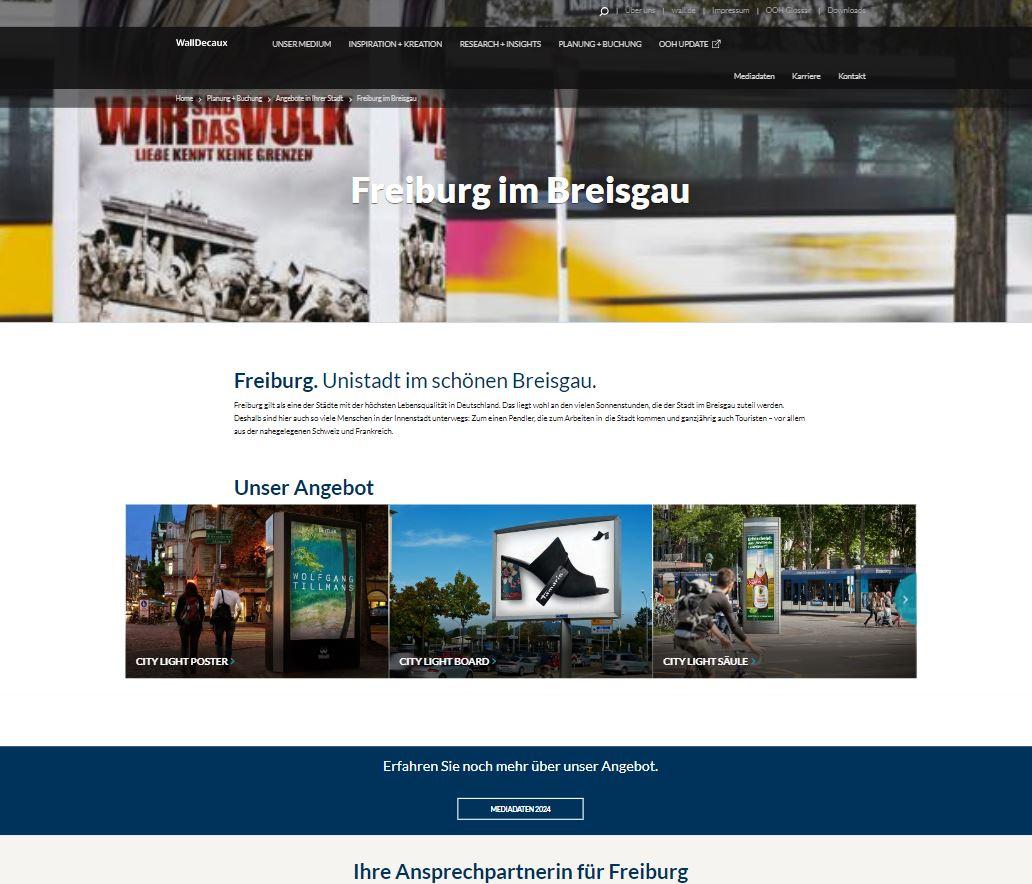
Location Page
Source : WallDecaux website