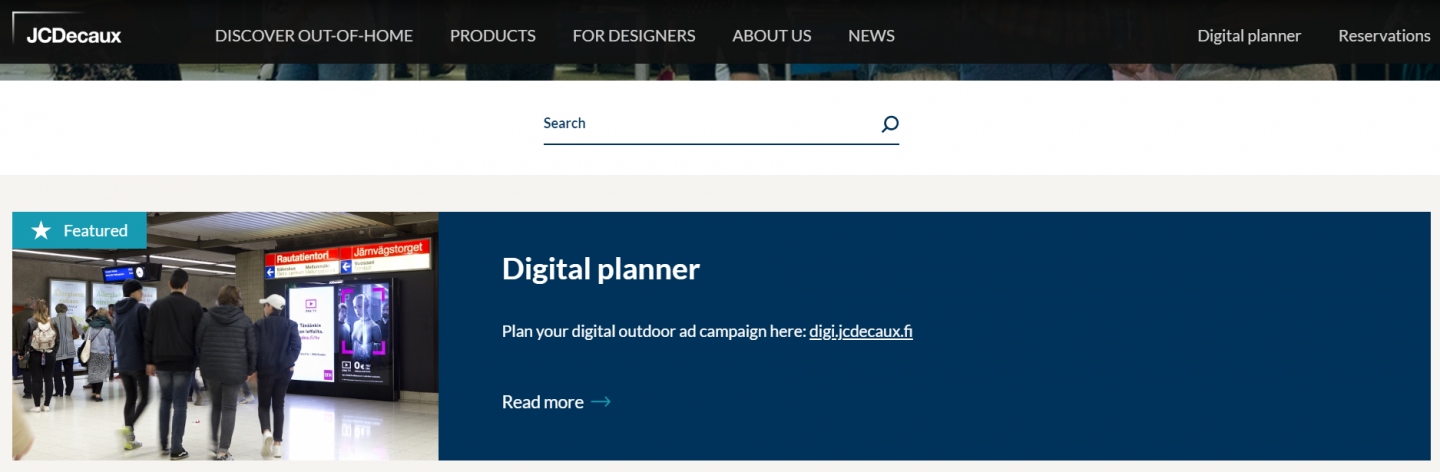
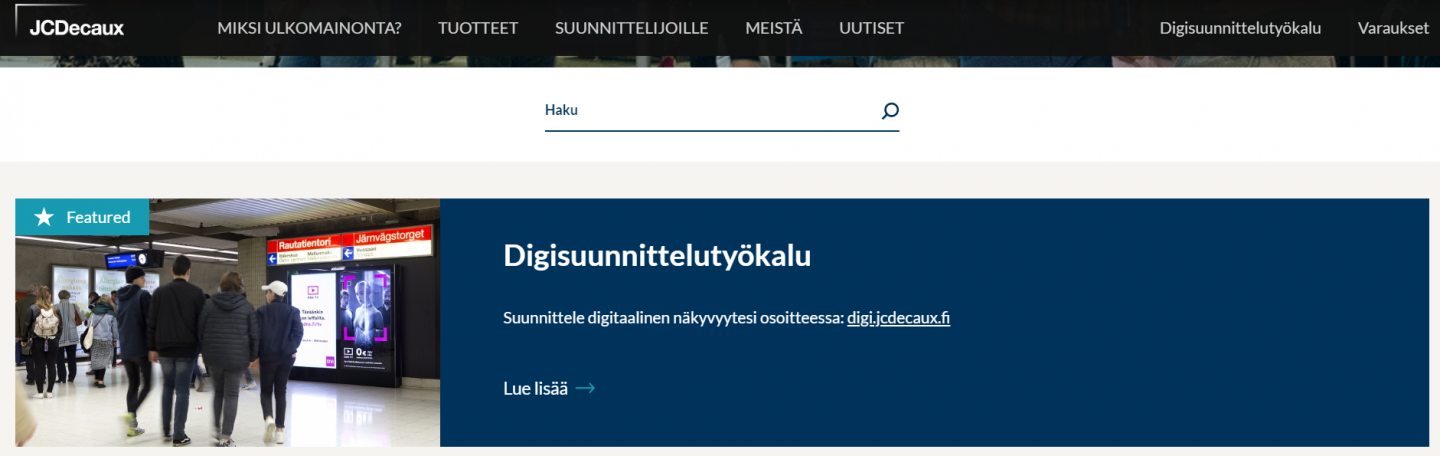
How to translate your page?
In this tutorial, you will see how to translate your page
If you're a dual-language website, it's IMPERATIVE to start translating from the original language.

In this tutorial, you will see how to translate your page
If you're a dual-language website, it's IMPERATIVE to start translating from the original language.
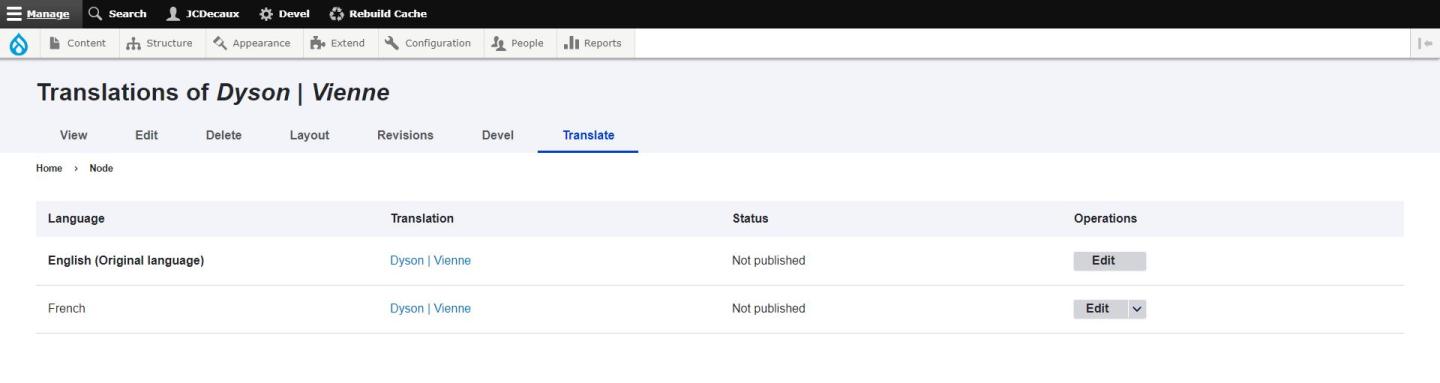
Find your page, then you can click on "edit" > "translate" > "add translation".
You will find yourself on the new edition of your page. You can see in which language at the top of the page.
In this new page, you will still see all the contents you had created in the original language: to translate, just remove the original text and keep what is common (for example the background picture.)
If you have some custom blocks, you can simply edit each of them and translate them into your new langage.
When you are translating a custom block, it duplicates the custom block. That's why you have the language code in the title of the custom block in the translated page. In other words, you can immediately translate the custom block without any fear of modifying the original custom block.
When you finish, don't forget to click on "Save" to publish the translation.
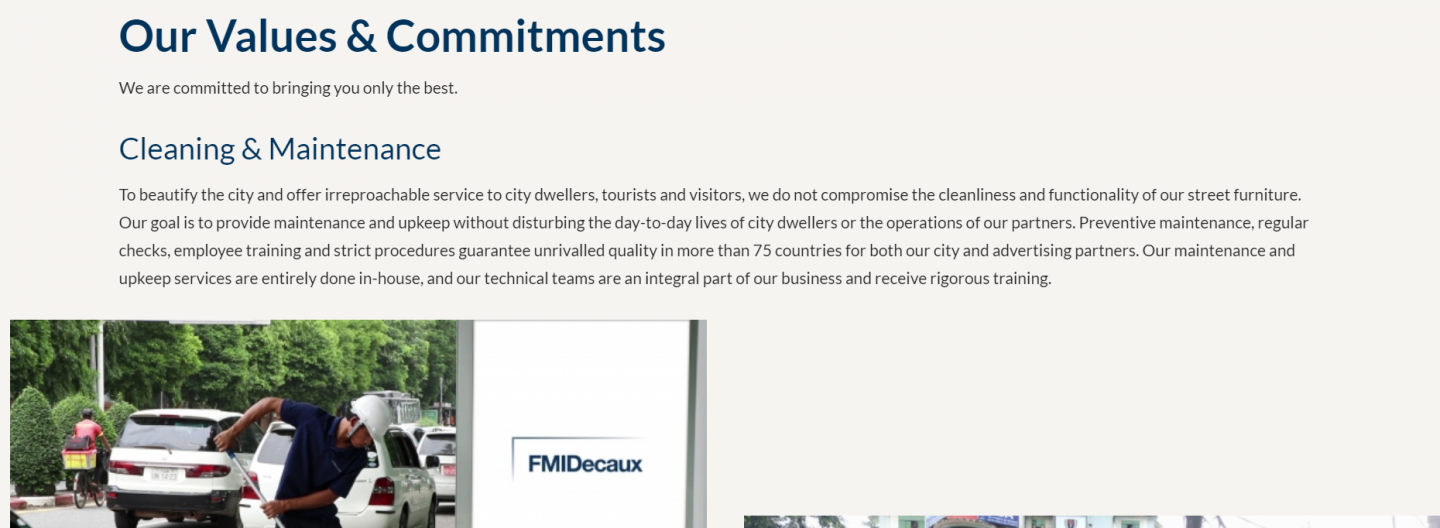
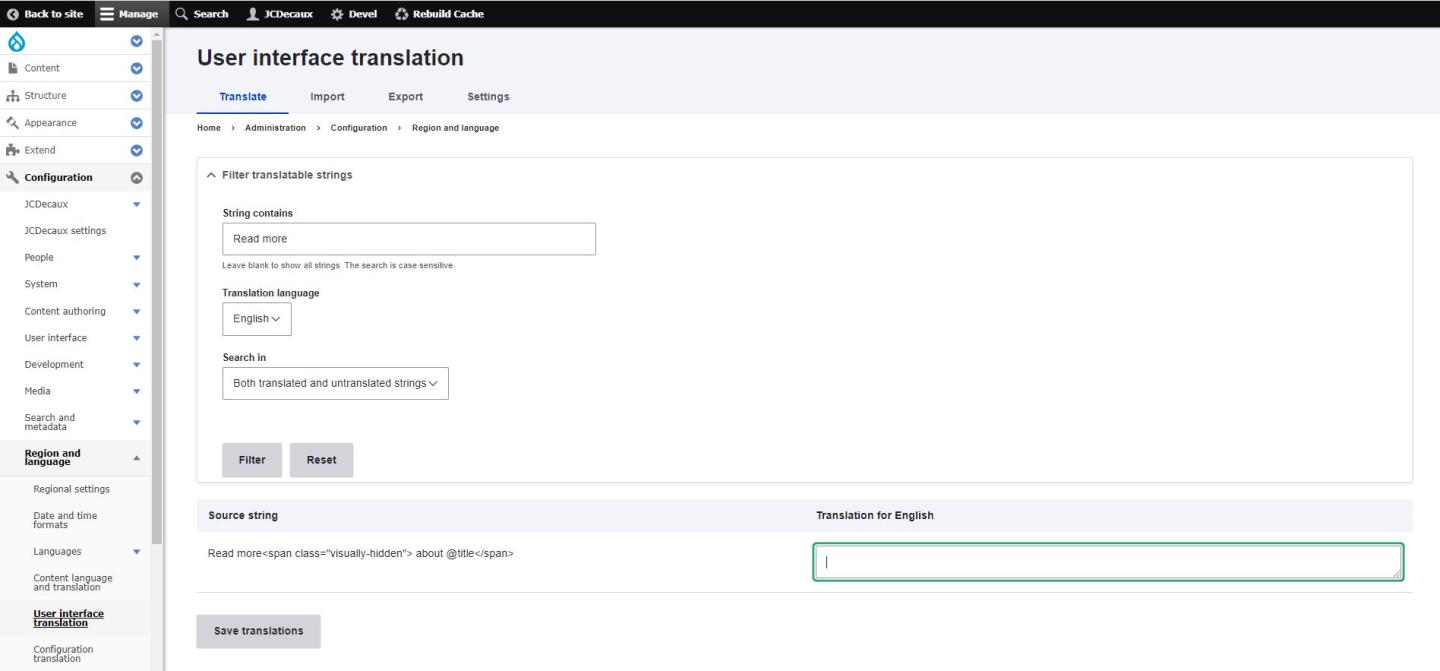
Go to : Configuration > Regional and Language > User interface translation.
In the "string contains" field, write the word you want to translate. For example "Read more". Be careful, capital letters are important.
Click on "filter".
In the displayed results, you can find the word you want and add the translation in front of it.
If there are special characters in the original language, keep them in the translation. For example, in the screenshot below, you can see Read more<span class="visually-hidden"> about @title</span>*. To be sure you are not forgetting any of them when translating, you can copy past the original text and only change your translation in it: Translation<span class="visually-hidden"> about @title</span>*
Save. If you go back to your page, you will see the right translation.
You can do the same for the other words, like "about", "load more", "published in" etc.