Menu
  • En-Fr

Creating a listing Job Offer

1) Create your job offer listing(s)

You have 2 ways to display job offers.

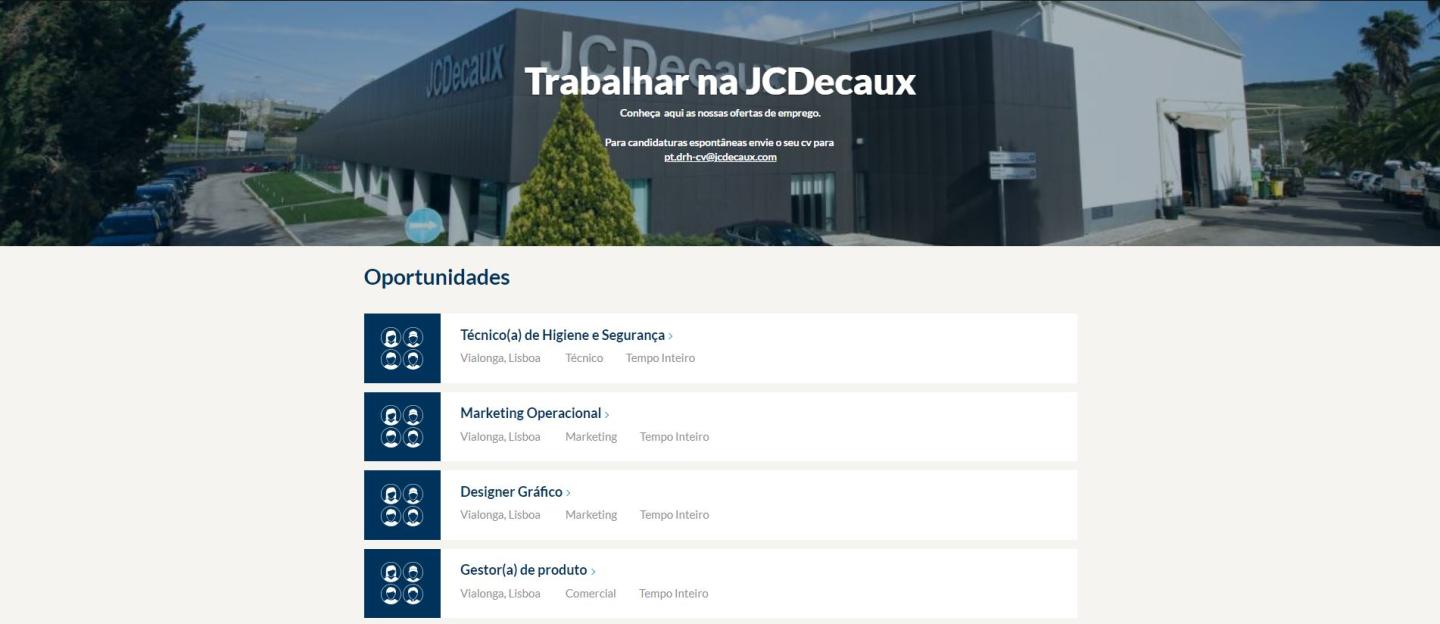
  1. The first is like this page with all different departments job offers displayed on the same page.
  2. You can also create different Job offer listings, showing only the job offers with the selected department. For example only display in one page the job offer from the Design Direction.


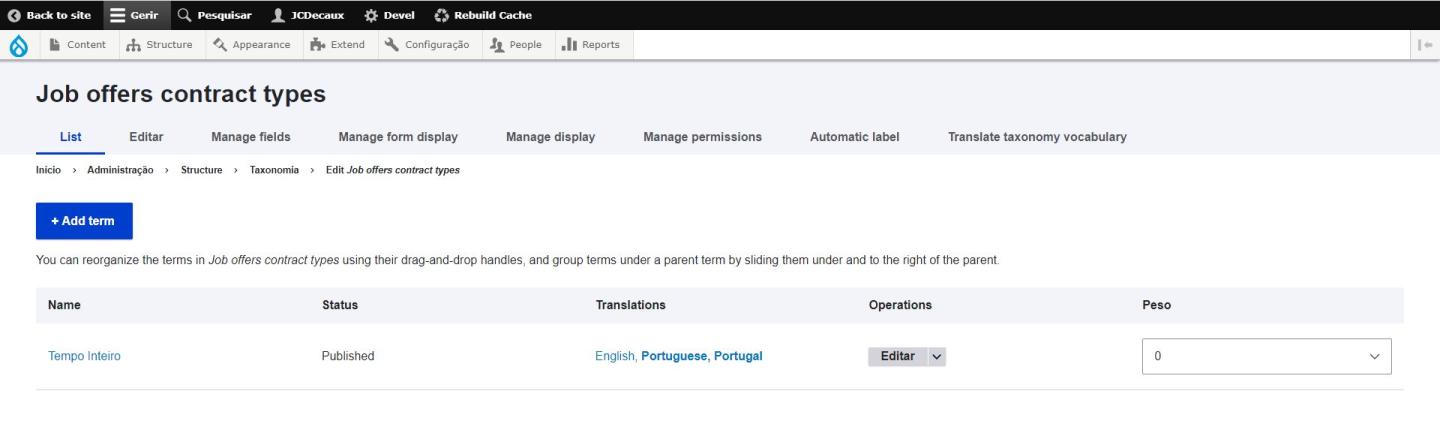
In both cases, there are 2 taxonomies involved: Job Offers Departments and job Offers Contract types. You can create items for each in Structure > Taxonomy > Job offer Department and Job offer Contract types.
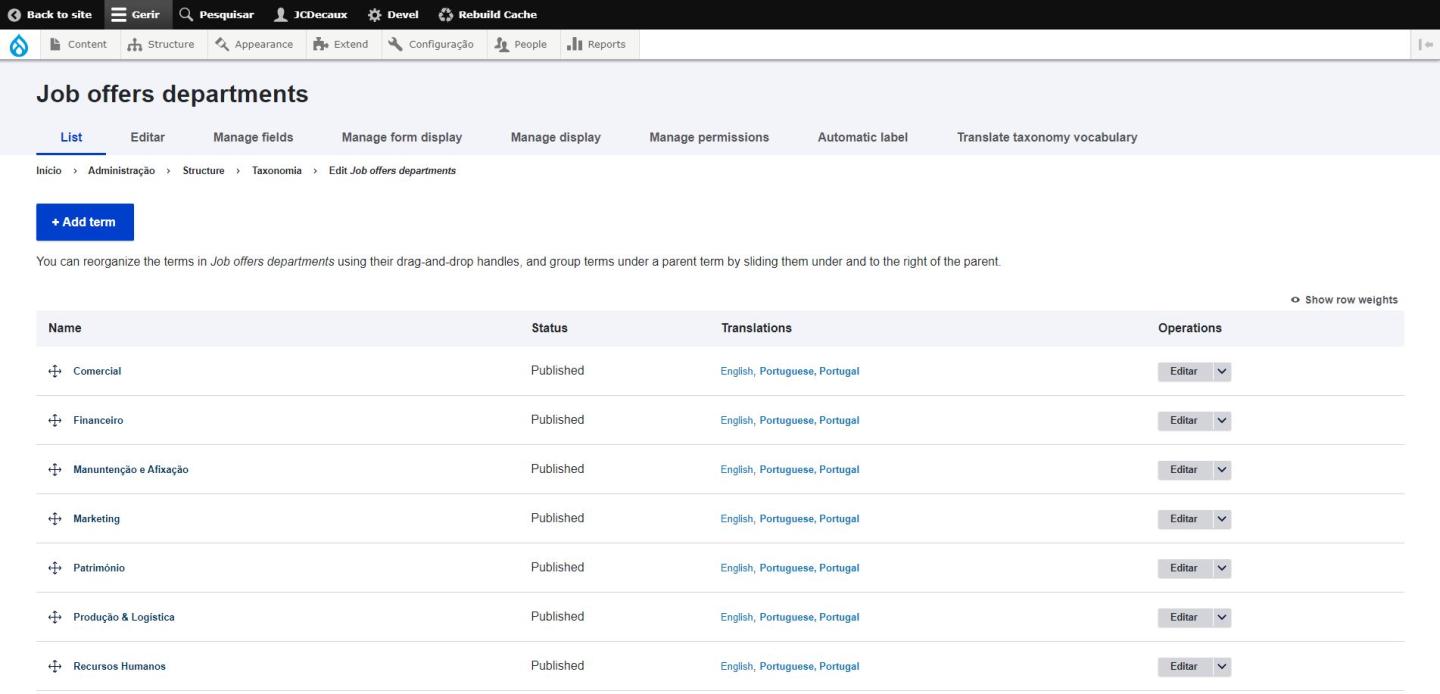
Job Offer Department Taxonomy
Source : Portugal Website

Job Offers - Contract Types Taxonomy
Source : Portugal Website

2) To create one job offer page for all departments

When you have set up the taxonomies, create a "Listing page", set it on "Job offer listing" in the List type option and leave blank the department field.

3) Create several job offer pages for different departments

It's the same process as creating one page for all departments, the only difference is that instead of leaving blank the "Department" list option, you'll have to set which department(s) the page will display. You can create as many department pages as you wish in Taxonomy.

4) Body field

Before the job offers themselves, you can add a body field where you can add information about the department: a little description, maybe pictures of the office, of employees, a testimonials video, etc. This section is the one you are currently reading.

Job Offers Listing Page 
Source : Portugal Website

Feel free to ask us if you need more information!

test
Ky-lang Sun Web Project Manager
Margaux Pausé Web Communication Manager