How to create a History Item ?
A History Item is used within a history page.
Structure > Block Layout > Add custom block > History Item
1. Add a title
2. Add date.
For example 1964
3. You can choose the Layout type of the custom block:
- Large top
- Large left
- Large right
- Small left
- Small right
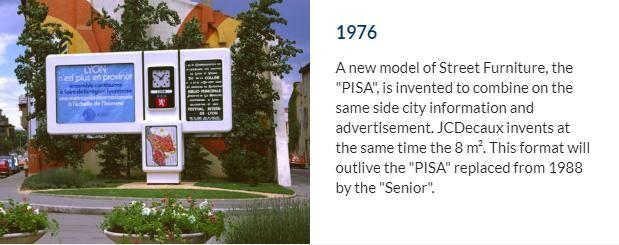
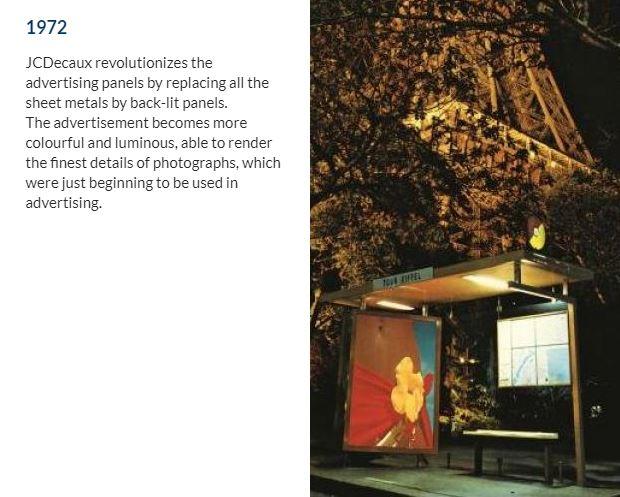
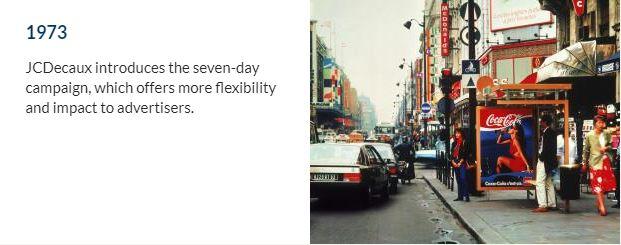
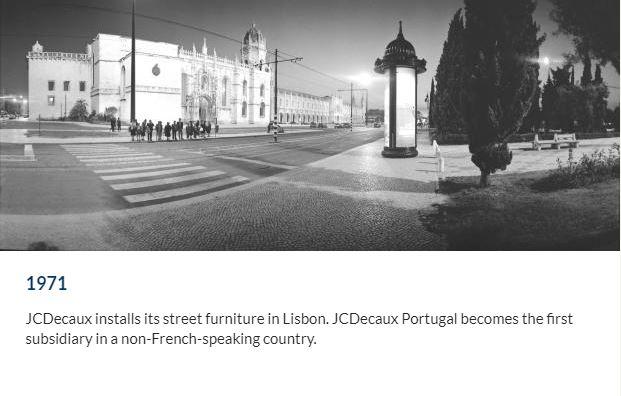
4. Then, a photo illustrating this event in 1964
5. The description.
For example: 1964, date of creation of the JCDecaux company.
You can create a History page, which is a page on the site dedicated to the company's Story Telling.
This page has a different configuration from a basic page, although it is considered as such.
Within the Basic Page, simply select the "Use as History" option to obtain a different layout.
In this layout, you can add any custom block History Items you have created or are about to create.
Example: Ten custom block History items with 10 different dates, depending on the historical facts.