Menu
  • En-Fr

Creating a listing News

You must create a page listing from an SEO point of view: gather the same NEWS elements within the page listing.

1) Create News topics
Check the topics related to your news, if you want to create topics go in Structure > Taxonomy > News topics

2) Make a news page
A news page is a Listing page set on "News listing" list type. So go on Content > Add content > Listing page, fill the fields and set the "List type" field on "News listing". Then save.
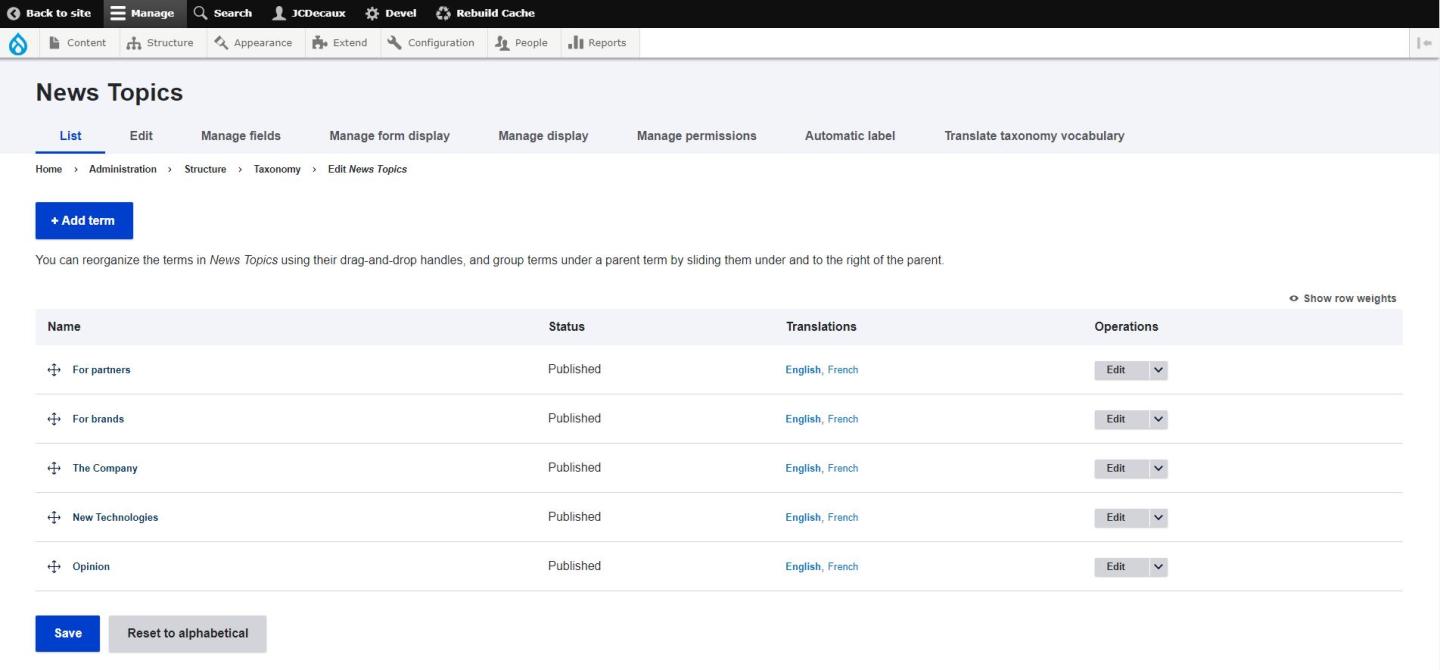
 

News Taxonomy
Source : Corporate Website

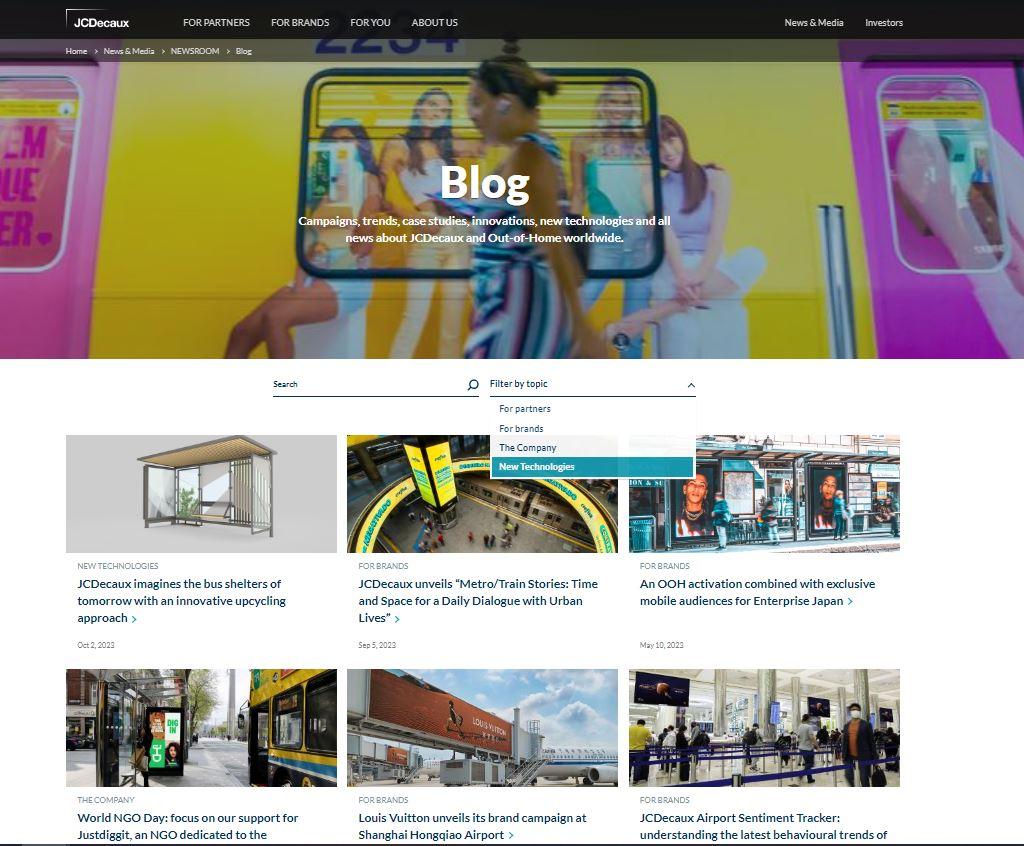
Example of a News Listing Page 
Source : Corporate Website

3) Create a news
Go on Content > Add content > News and fill the fields you need. You can add whatever you want in the body, text, pictures, pictures galleries, charts etc... 
To add these custom blocks, click on the "E" letter and select your custom block or create a new one.

4) Featured news
If you check "Featured" your news will appear at the top of the page regardless of its publication date.

5) Related news
At the end of your news, you can add up to 3 related news.
If you don't put anything in, 3 news items from the same taxonomy will go up.

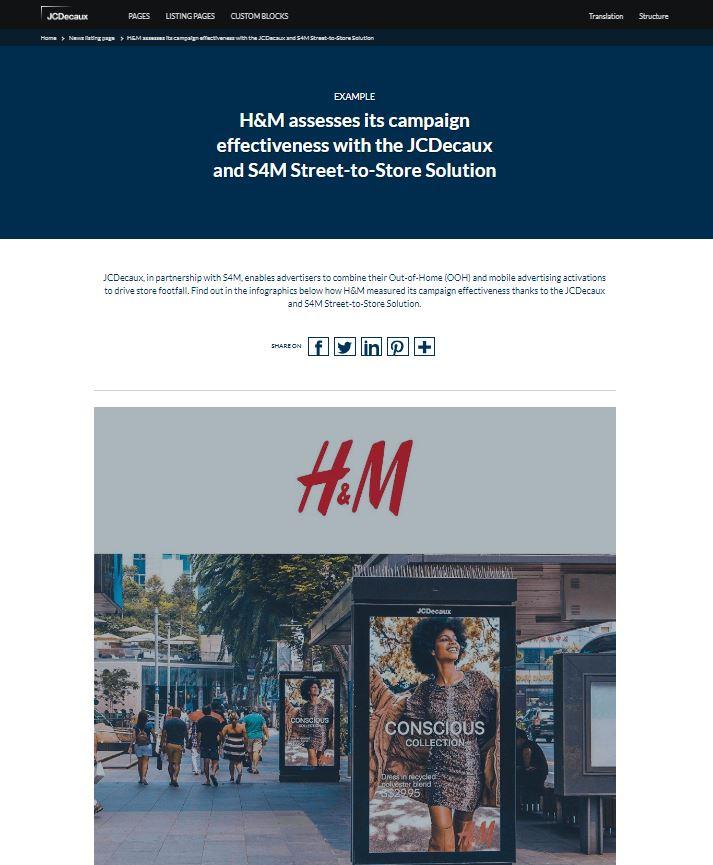
Example of a News
Source : Tutorial Website

Feel free to ask us if you need more information!

test
Ky-lang Sun Web Project Manager
Margaux Pausé Web Communication Manager