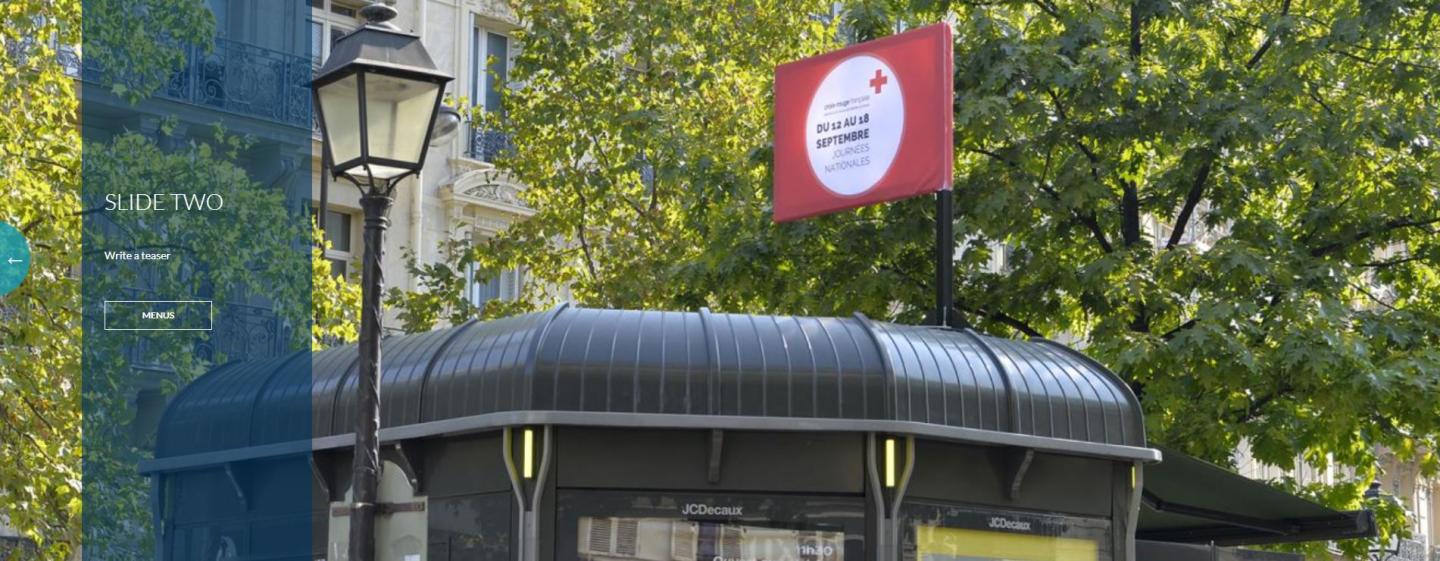
The slider panel allows you to use text to highlight information combined with a photo or video background.
As it’s indicated, it’s presented as a slider.
As with all the Homepage panels, we strongly encourage you to use this panel combined with the Simple panel with condensed key words for the search engines.
How to create a slider panel?
Structure > Block Layout > Add custom block > Slider Panel
1. Add a title (only visible on Back-Office)
2. Add a title of the Slider (appears on Front-Office)
3. You can add a teaser and choose the color Background :
- Dark Blue
- Transparent Blue
- White
- Beige
4. On the slider, it's mandatory to add a Call-to-Action and a Background Picture.
Background Video is a plus.